 Jira & Confluence



 Bitrix24
 01
Write it as a page
Open the reviewer as a Layers page, type your notes on a laptop or phone, or save it as Word.
- Works today Pages, documents and spreadsheets in the browser
Work
ProjectsTasks, sprints and milestones PagesDocs and knowledge base FormsSurveys, quizzes, booking FlowProcesses and mockupsFor students · Philippines
Unlike Canva or Notion, no account needed: type your reviewer right on the page, print it or get the Word file — free.
It is already open below: type your key terms and practice questions right now, no sign-up. Switch to Math, Science, English, flashcards, a mock exam or a study schedule.
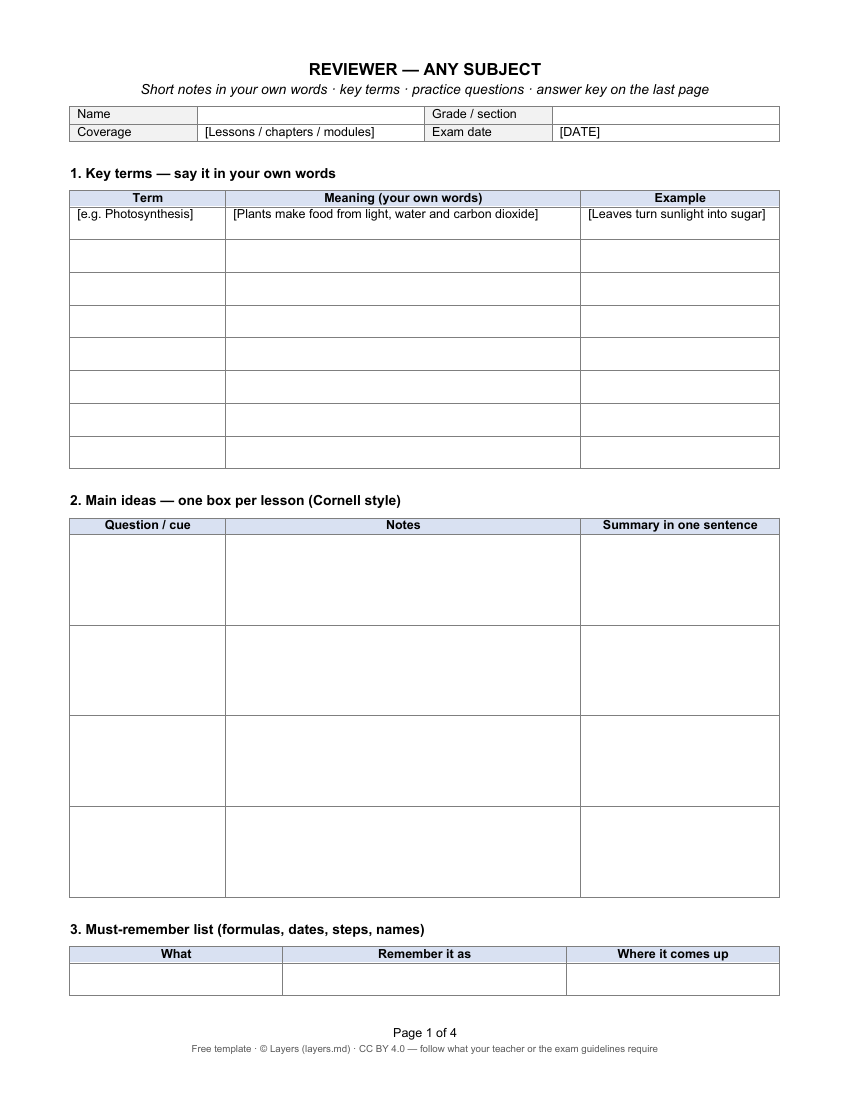
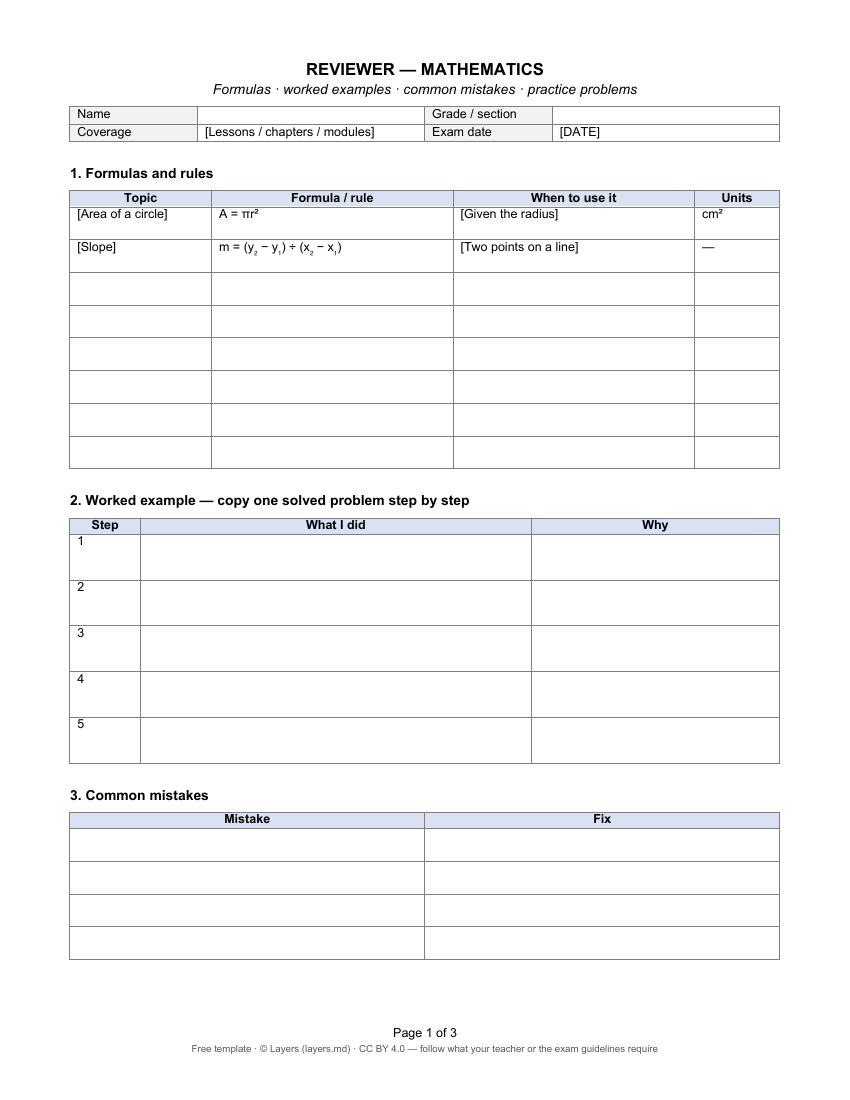
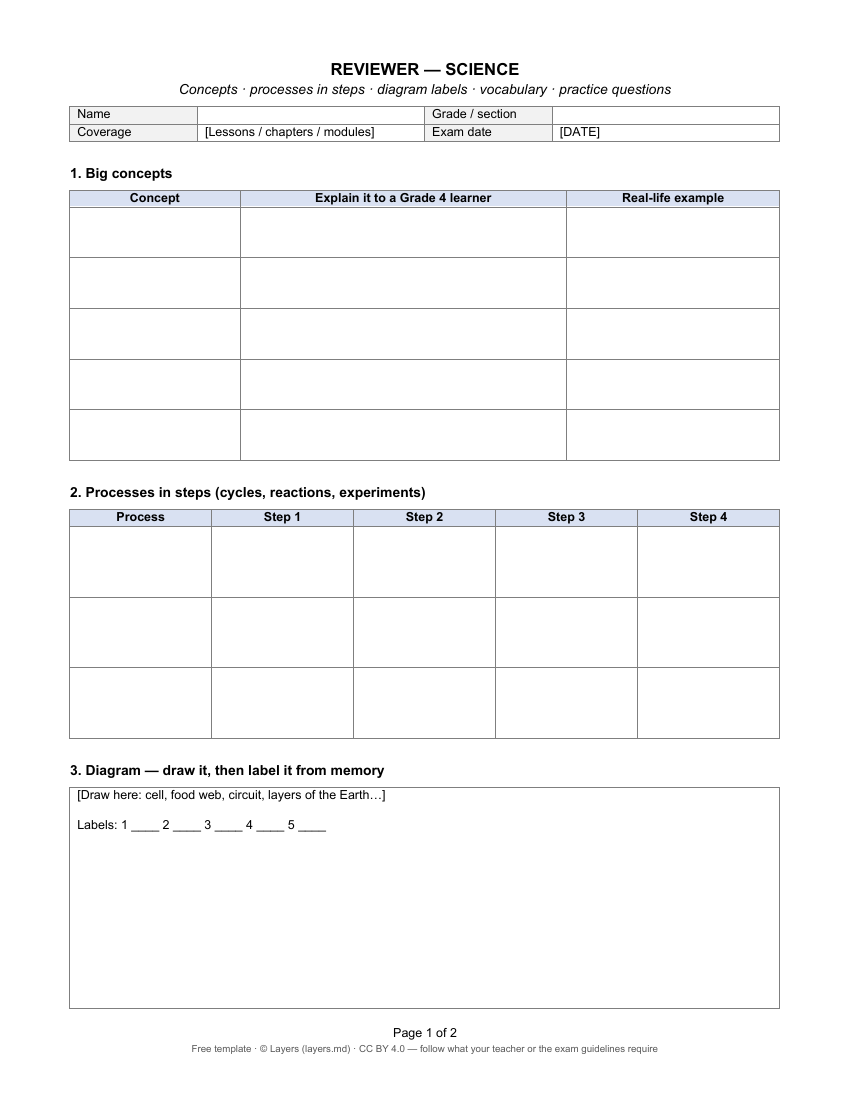
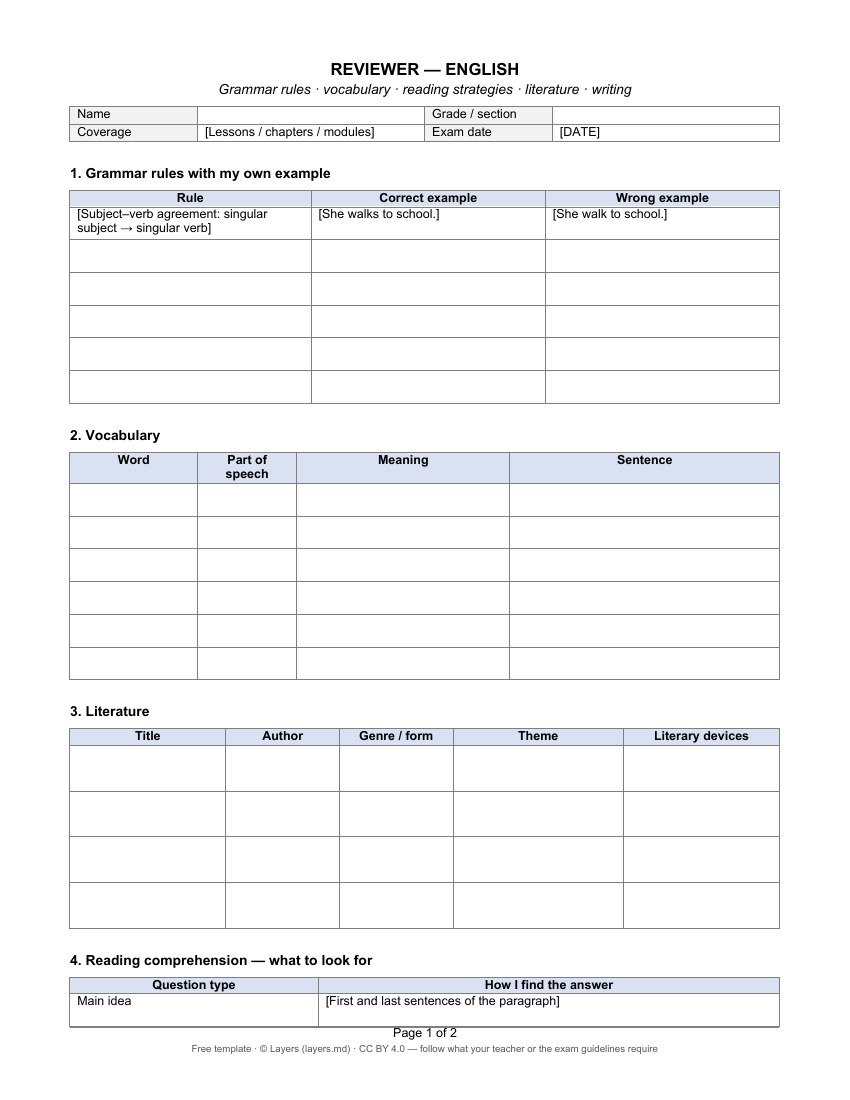
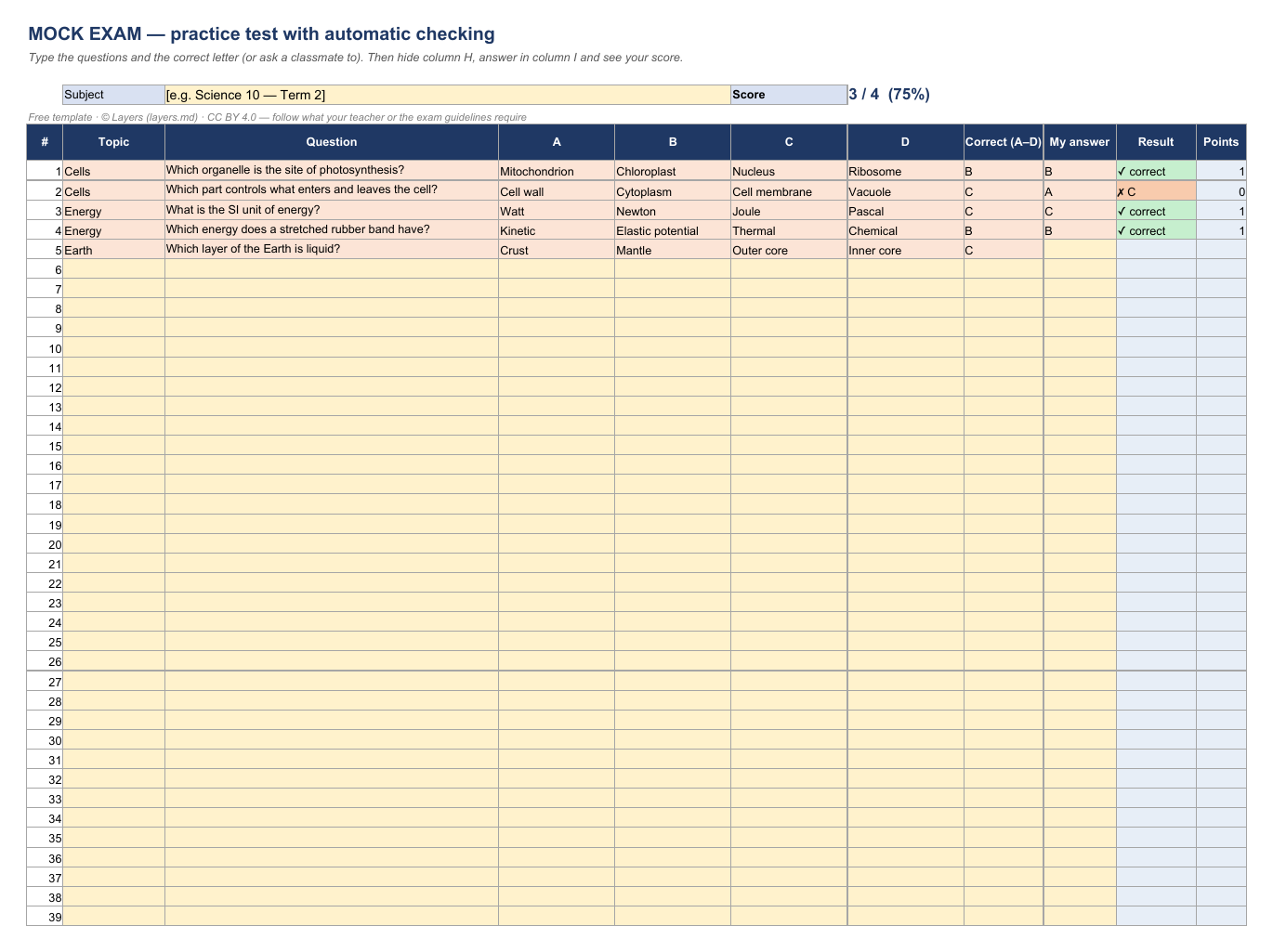
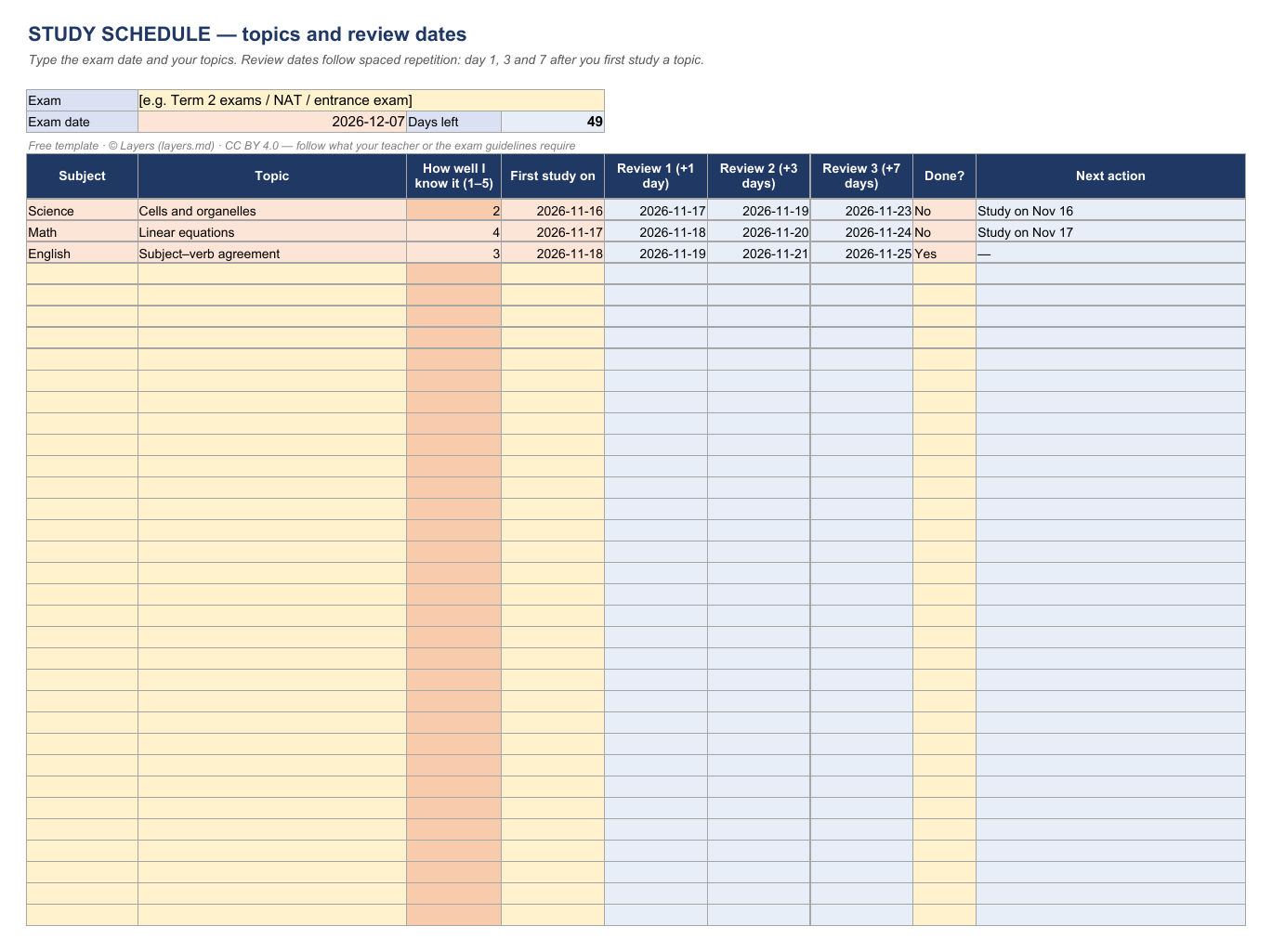
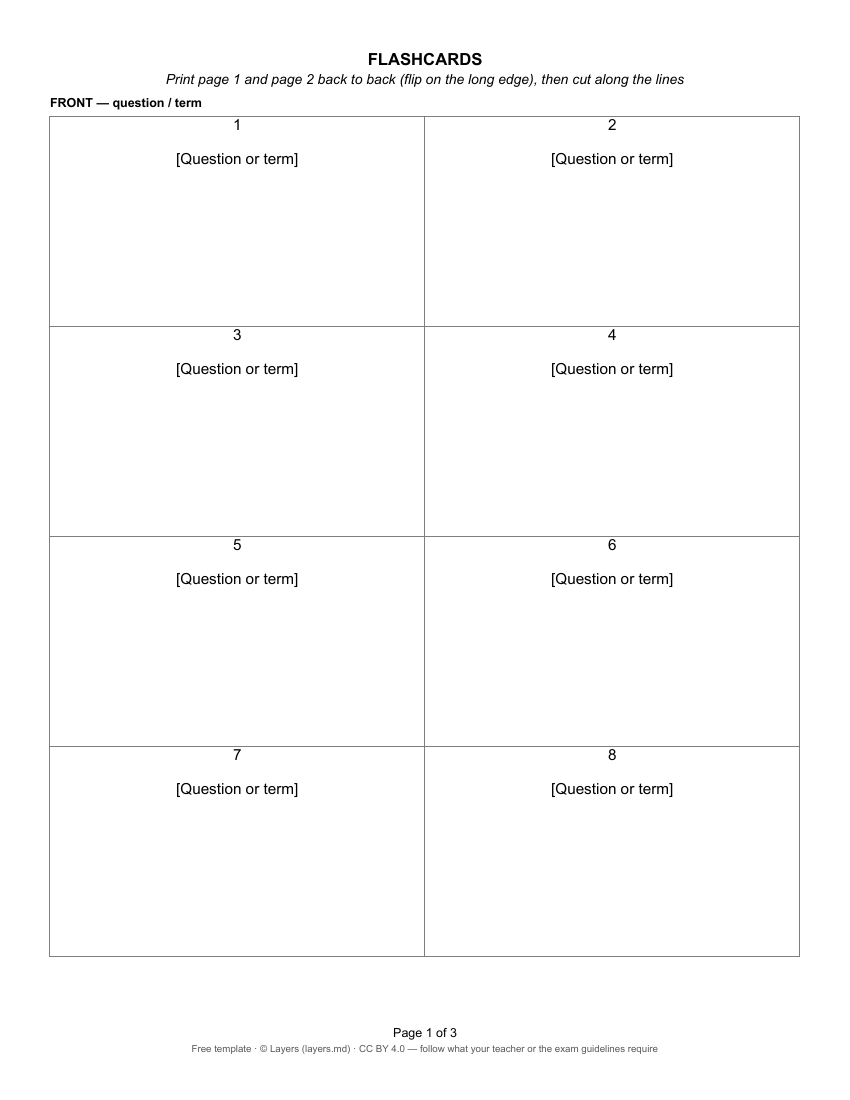
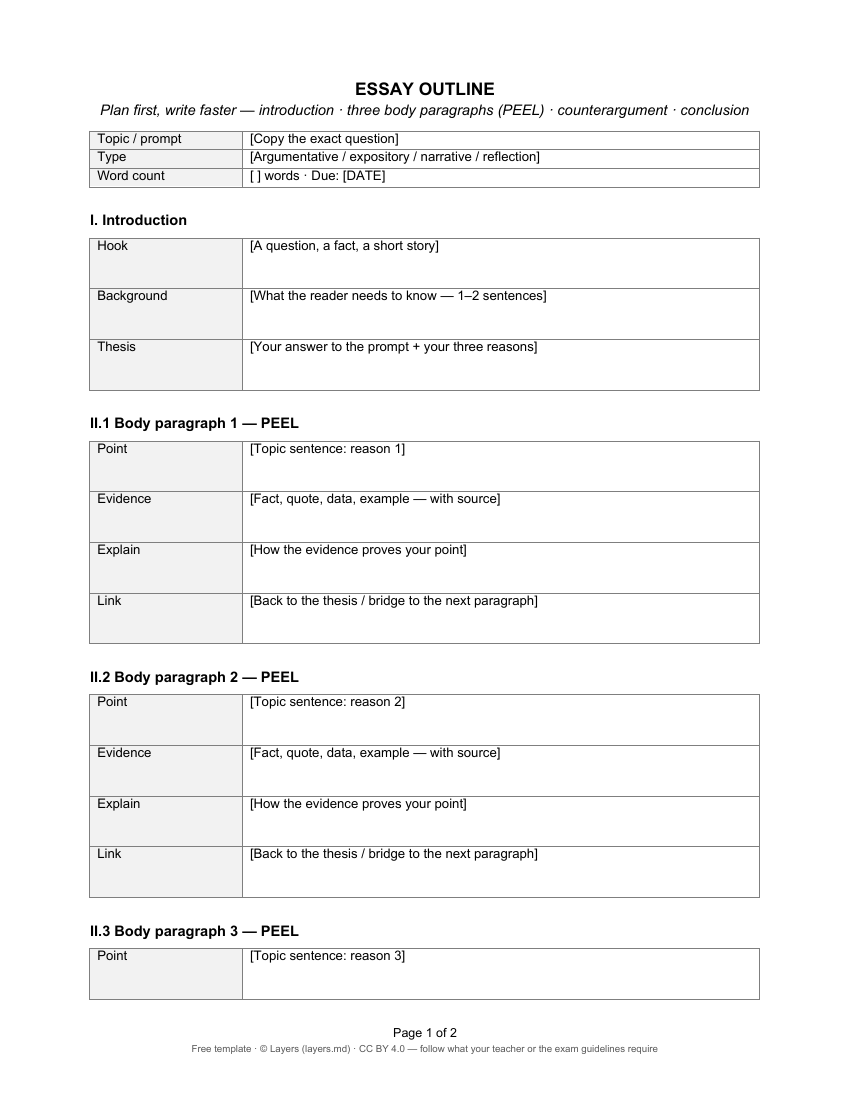
Start typing right in the document — no sign-up. It stays in this browser; save it to your free Layers account to keep it, open it on your phone and share it.
How to make a reviewer
1
Ask your teacher what the exam covers: lessons, modules, the table of specifications.
2
One line per term, with an example. If you cannot say it simply, you do not know it yet.
3
Short notes and a one-sentence summary. A reviewer is for remembering, not for copying the module.
4
Like the real exam: multiple choice, identification, problem solving. Put the answers on a separate page.
5
Answer without notes, check the key, and go over what you got wrong again after 1, 3 and 7 days.
Free templates
Look at a page right here, or open it as a Layers page or as Word or Excel — no sign-up to look; sign in free to save your copy.
Templates written for this page. Follow what your teacher or the official exam guidelines require. Licence CC BY 4.0 · © Layers (layers.md).
By subject
What Layers does
Honest status: Works today is live in Layers now.
01
Open the reviewer as a Layers page, type your notes on a laptop or phone, or save it as Word.
02
One folder for the study group: everyone adds their part of the reviewer before the exam.
03
Group chat and video calls for a review session the night before — on the phone too.
04
Each subject a task with the exam date and a reminder.
Get the coverage from your teacher, write the key terms in your own words, keep one box of short notes per lesson, write practice questions with the answers on a separate page, then test yourself and review the mistakes after 1, 3 and 7 days. The template has a section for each step.
Yes. Download the reviewer as a Word file (.docx) — it opens in Word and Google Docs. The mock exam and study schedule are Excel files that open in Excel and Google Sheets.
In the Philippines a reviewer is your own short study guide for an exam: key terms, main ideas, formulas and practice questions with answers.
No. The template is already open at the top of this page: type in it right away. It stays in your browser; sign in free to save it to your Layers and open it anywhere.
Yes. Put it in a shared folder in Layers: everyone in the group sees the latest version and can add their part.
The templates and the editor are free. Layers is free for teams of up to 20 people — enough for a study group or a whole section’s officers.
You can use AI for a first draft, but check every fact against your notes or textbook — and follow your school’s rules on AI.
Templates and editor are free. Layers is free for teams of up to 20 people.
Layers is an independent product and is not affiliated with DepEd, CHED, PRC, the Civil Service Commission or any school.
We use no tracking cookies: the site only remembers the theme and language you choose. Analytics and third-party videos will only be turned on with your consent. About cookies