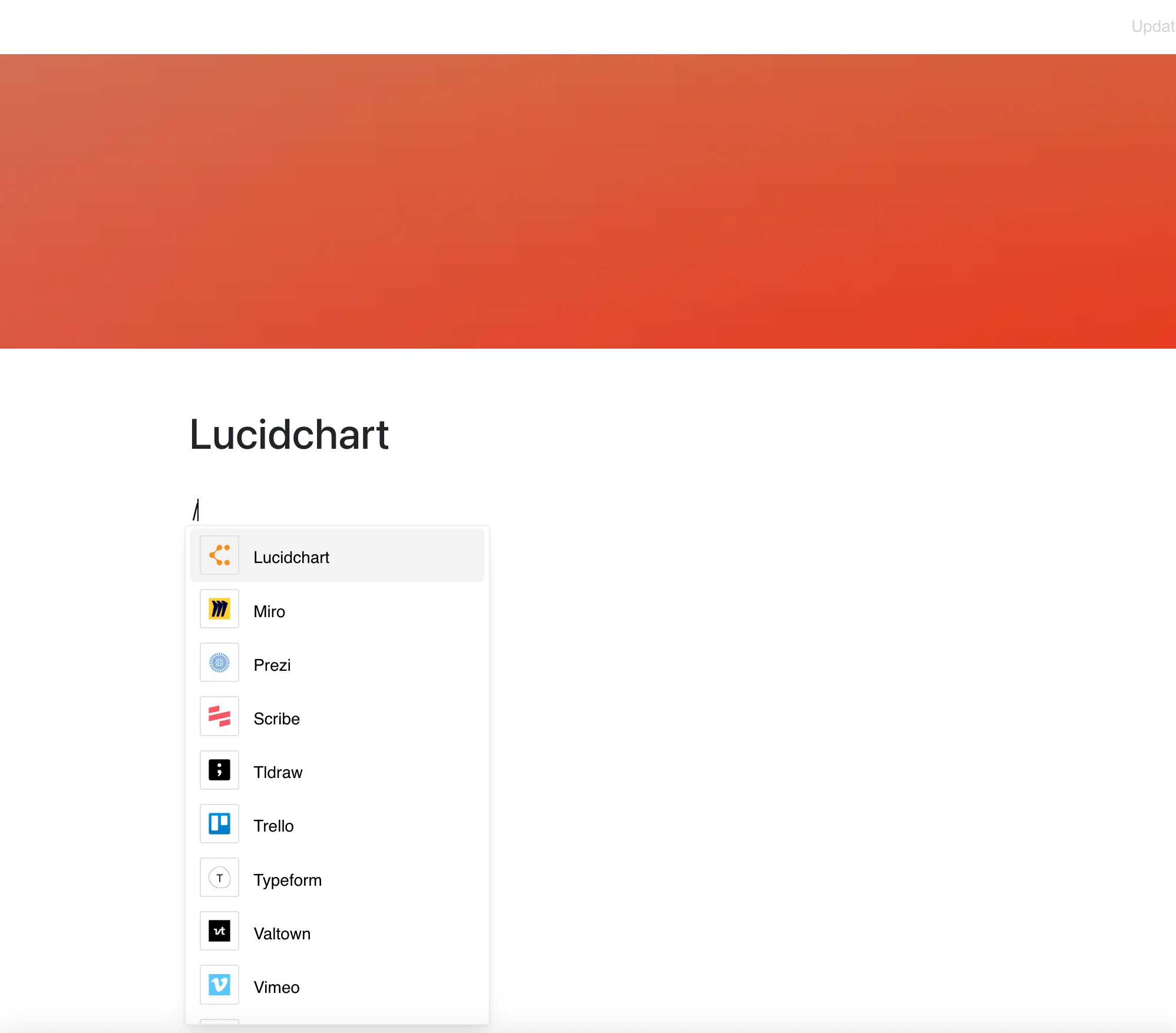
With Lucidchart, your diagrams are no longer separate from your documentation.
Paste a link to a Lucidchart diagram into a Layers page and it appears right in the content, so you can share ideas visually.
Why Use Lucidchart in Your Editor?
Lucidchart brings your diagrams and flowcharts to life — and now, they’re part of your content.
Key Features:
- Embed a Lucidchart diagram by pasting its lucid.app or lucidchart.com link
- Show flowcharts, diagrams, and wireframes inside the page
- The embed shows the current content of the diagram whenever the page is opened
- View and navigate diagrams without leaving your page
- Perfect for visualizing processes, architectures, and data flows
Use Cases
- Include system architecture diagrams in technical documentation
- Share process workflows or decision trees with your team
- Add mind maps and planning charts to brainstorming sessions
- Embed network diagrams or user journeys in product specs
- Visualize complex data relationships in team meetings
Visual Content, Right on the Page
Lucidchart handles the diagramming — this integration puts the result directly in your work environment. What you can do inside the frame depends on Lucidchart and the diagram’s sharing settings.