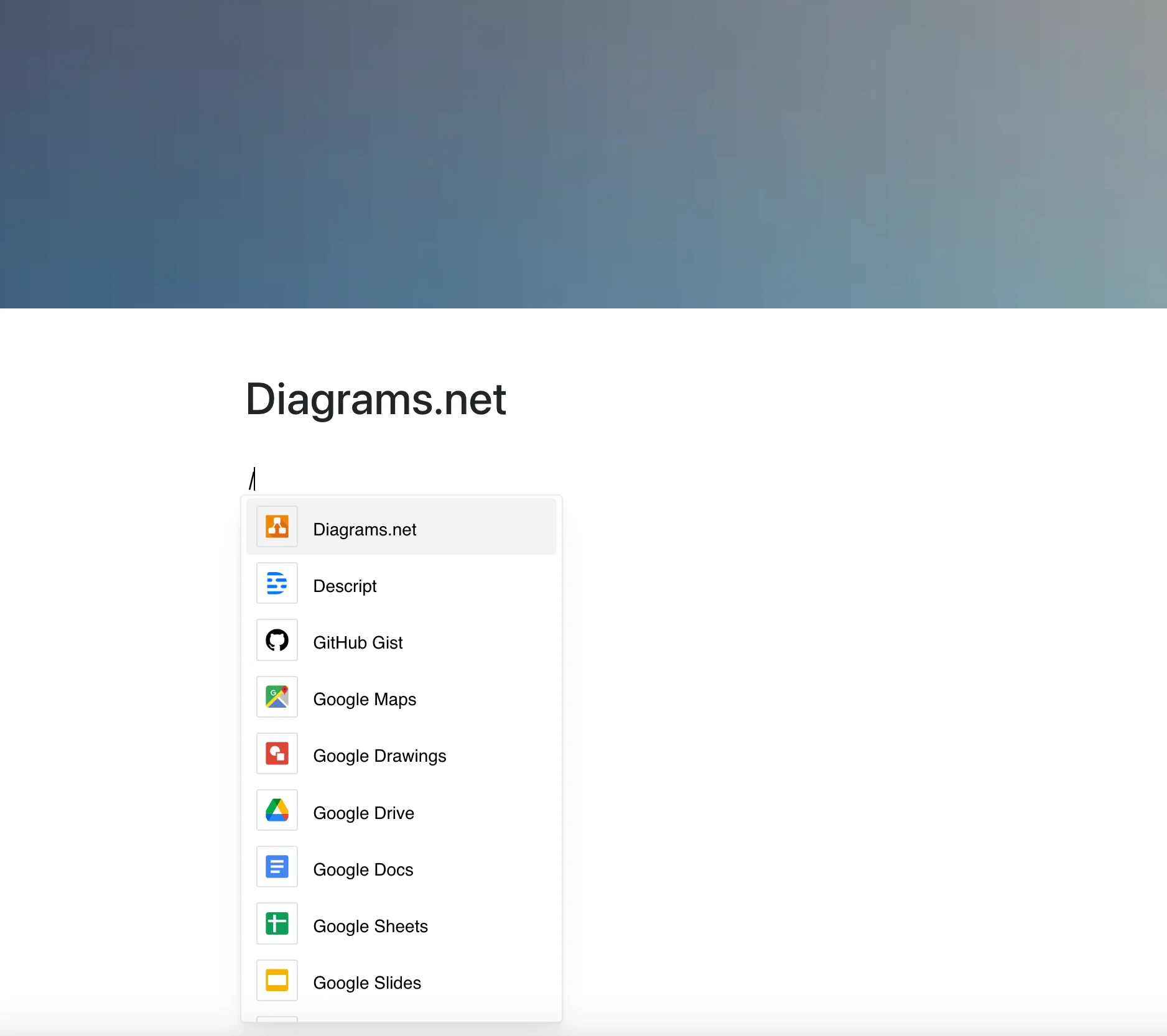
Sometimes, ideas speak better through shapes than sentences. The Diagrams.net integration makes it easy to embed flowcharts, mind maps, architecture diagrams, and more — right where your content lives.
Share visuals without jumping between tools.
Why Use Diagrams.net in Your Editor?
Whether you’re planning a system architecture or mapping out team processes, diagrams bring clarity.
Key Features:
- Embed a diagram with a viewer link (viewer.diagrams.net)
- Display flowcharts, UML, mind maps, network diagrams, and more
- Zoom and pan in the frame, as offered by the viewer
- Ideal for technical and non-technical teams alike
- The frame shows the current diagram whenever the page is opened
Use Cases
- Visualize workflows and decision trees in documentation
- Explain backend architecture with structured diagrams
- Create onboarding visuals for teams and clients
- Add mind maps to planning or brainstorming pages
- Share process flows in product specs
Visual Thinking, Embedded
When you can show it instead of explain it, you save time — and everyone stays on the same page. This integration helps you communicate visually, where it matters most.