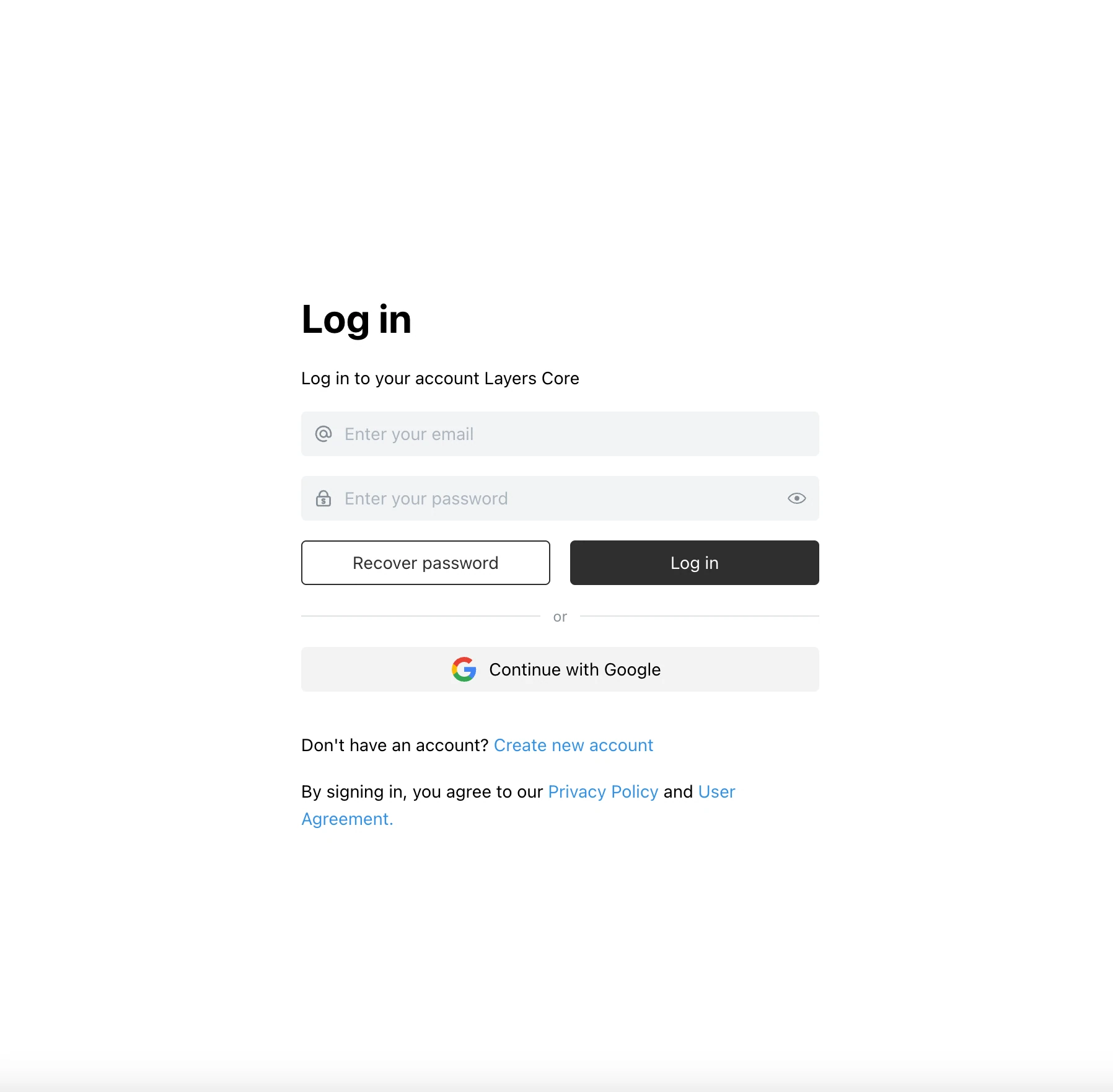
Get into Layers in one click with the Continue with Google button. No new password to create or remember — you sign in with the Google account you already have.
Why Sign In with Google?
It is the fastest way to start: choose your Google account and you are in.
Key Features:
- Sign in or sign up with a Google account using the “Continue with Google” button
- Built on Google’s OAuth 2.0
- Your Google password is never passed to Layers
- On desktop, sign-in goes through your browser, including two-factor confirmation
- On self-hosted installations, an administrator turns it on in the settings
Use Cases
- Create a Layers account without coming up with a new password
- Sign in quickly from a new device
- Start working in a team without a long sign-up
Secure and Seamless Access
Sign-in is handled by Google, so you keep the security you already use for your Google account.