Sometimes a quick diagram explains more than a page of text.
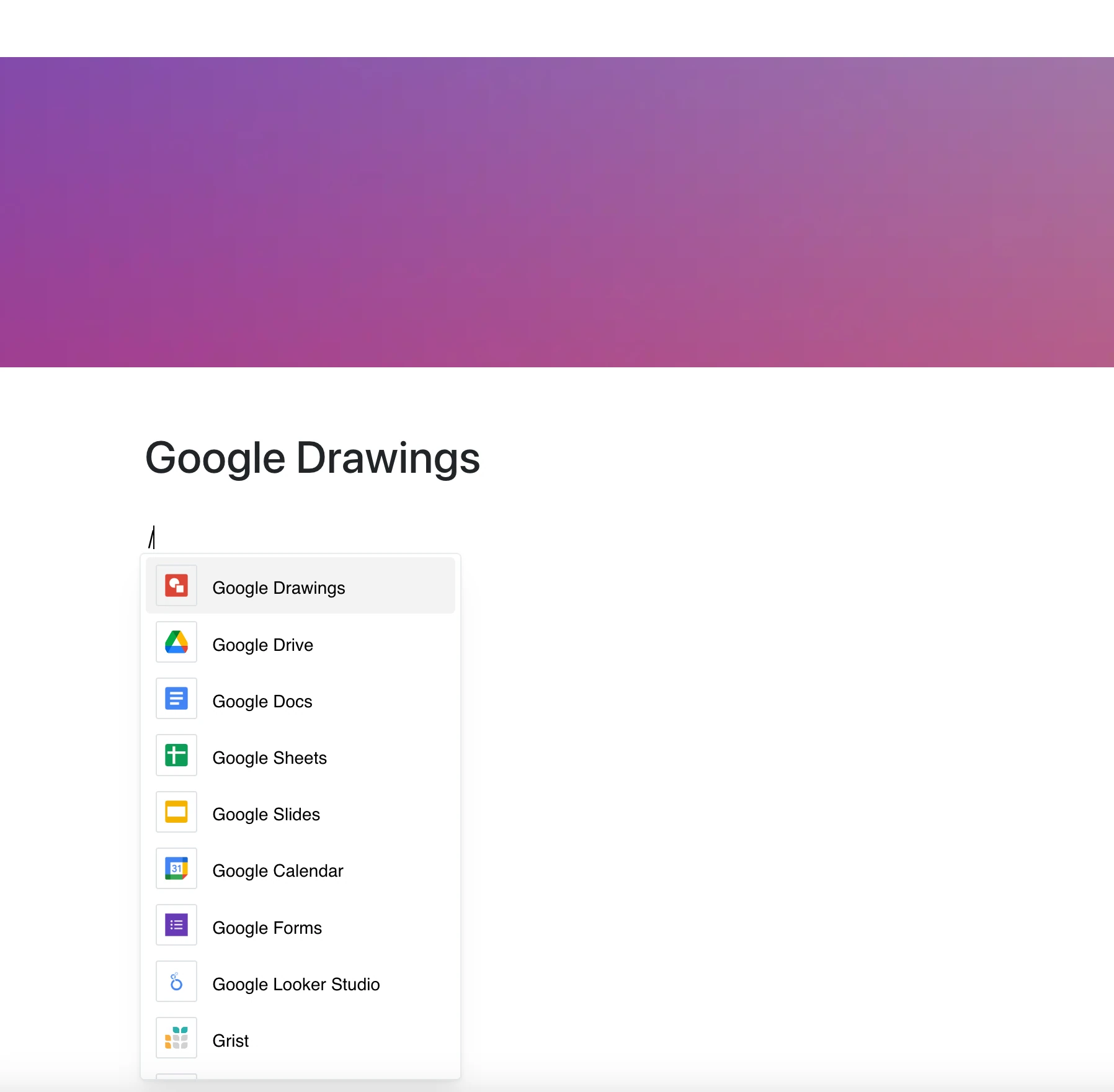
With the Google Drawings integration, you can embed drawings directly into your pages — perfect for flowcharts, wireframes, sketches, and lightweight visual planning.
Why Use Google Drawings in Your Editor?
Fast, collaborative, and easy to update — Google Drawings is a go-to tool for casual visuals that support your ideas.
Key Features:
- Embed a drawing by its link (docs.google.com/drawings/…)
- For private files, viewers need access to the drawing in Google
- Add quick diagrams to explain processes or ideas
- The frame shows the current drawing whenever the page is opened — no re-uploading images
- Lightweight and fast-loading visual support
Use Cases
- Embed system flowcharts into specs or docs
- Share conceptual UI sketches during ideation
- Add diagrams to onboarding or learning materials
- Support content with custom visuals and illustrations
- Show a team’s working sketch right on the page
Draw Ideas, Show Them Anywhere
Google Drawings is a fast way to think visually — and this integration puts those ideas on your page.