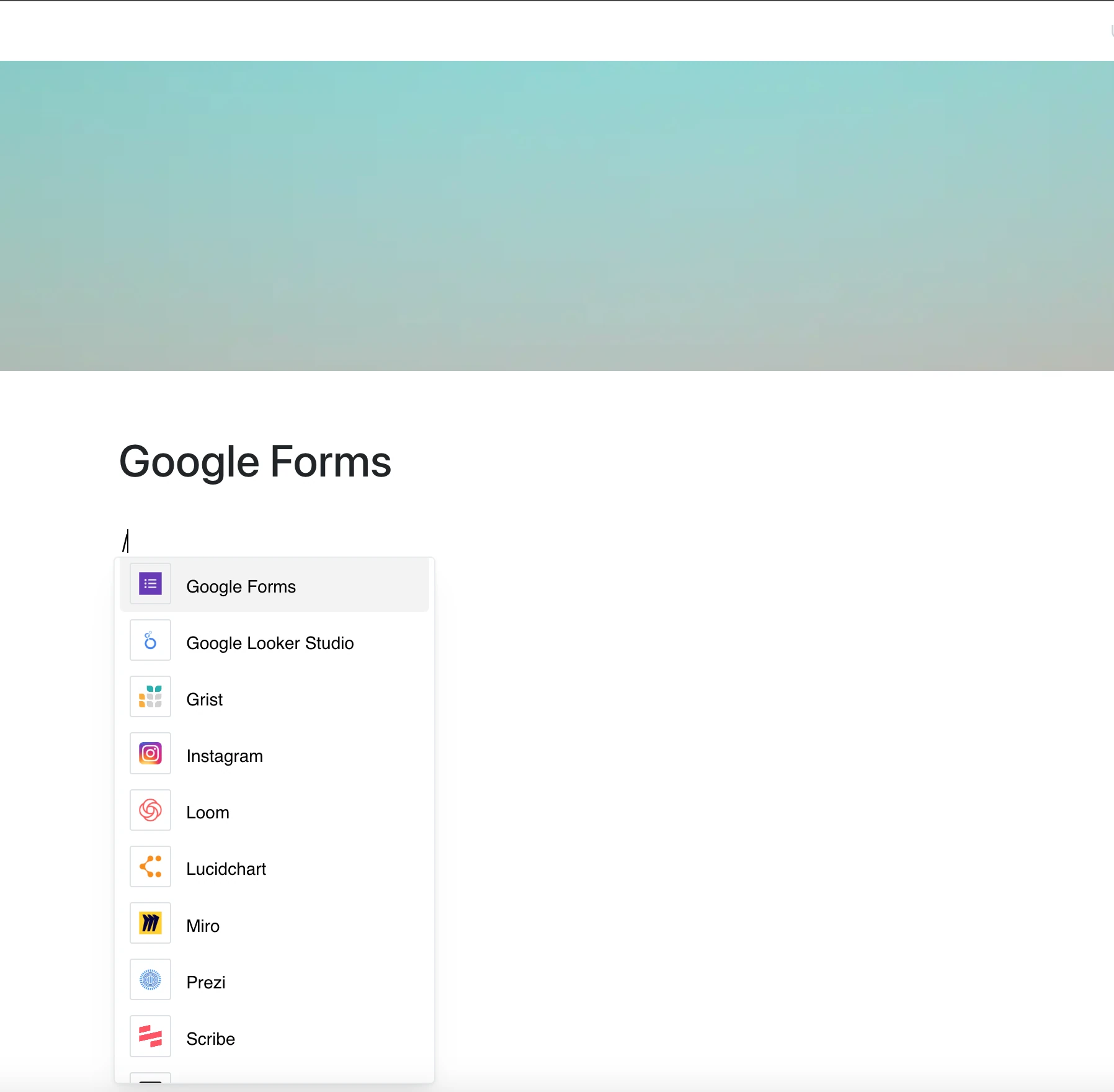
With the Google Forms integration, you can embed a form into your page so people can fill it in right where your content lives.
Paste a link to a form, and Layers shows it in a frame.
Why Use Google Forms in Your Editor?
Google Forms simplifies surveys, feedback collection, and quizzes. With this integration, the form sits right inside your page.
Key Features:
- Embed a Google Form with its link
- The form opens in a frame on the page
- Question types, styles and themes are set in Google Forms itself
- Responses are collected and viewed in Google Forms, not in Layers
- The frame shows the current form whenever the page is opened
Use Cases
- Collect feedback for project retrospectives or meetings
- Include surveys for client or user feedback in documentation
- Embed quizzes or assessments in educational content
- Gather team input or preferences for decision-making
- Organize event registrations within pages
Collect Insights, Right Inside Your Content
Google Forms makes it easy to ask the right questions.
Now the form is right next to your content.