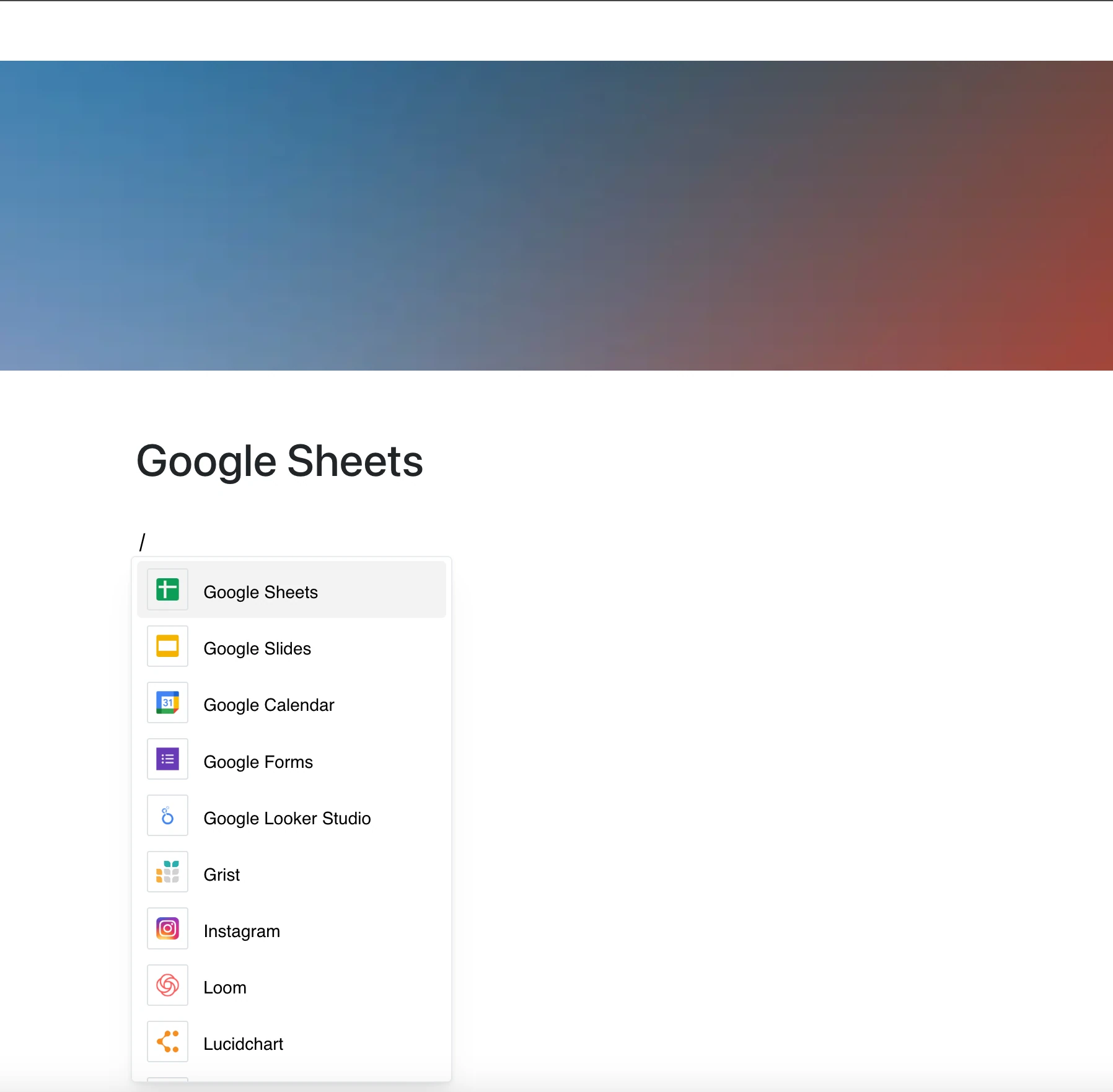
Bring spreadsheets into your documents.
The Google Sheets integration lets you embed a spreadsheet on your page by pasting its link.
Why Use Google Sheets in Your Editor?
From planning and tracking to reporting and analysis, spreadsheets power decisions. Now they sit right next to your content.
Key Features:
- Embed a spreadsheet with its link
- The sheet opens in a frame and shows its current content whenever the page is opened
- Formulas, charts and cell formatting appear as they do in Google Sheets
- What you can do in the frame depends on your access to the file in Google
- No manual copy-paste or file uploads needed
Use Cases
- Add project timelines and Gantt-style views
- Share financial summaries or reports
- Embed campaign performance tables
- Connect product backlogs or feature matrices
- Centralize resource tracking or team assignments
From Numbers to Narrative
Google Sheets turns data into action.
This integration puts that data in context — right where your team makes decisions.