Bring your structured data into your content.
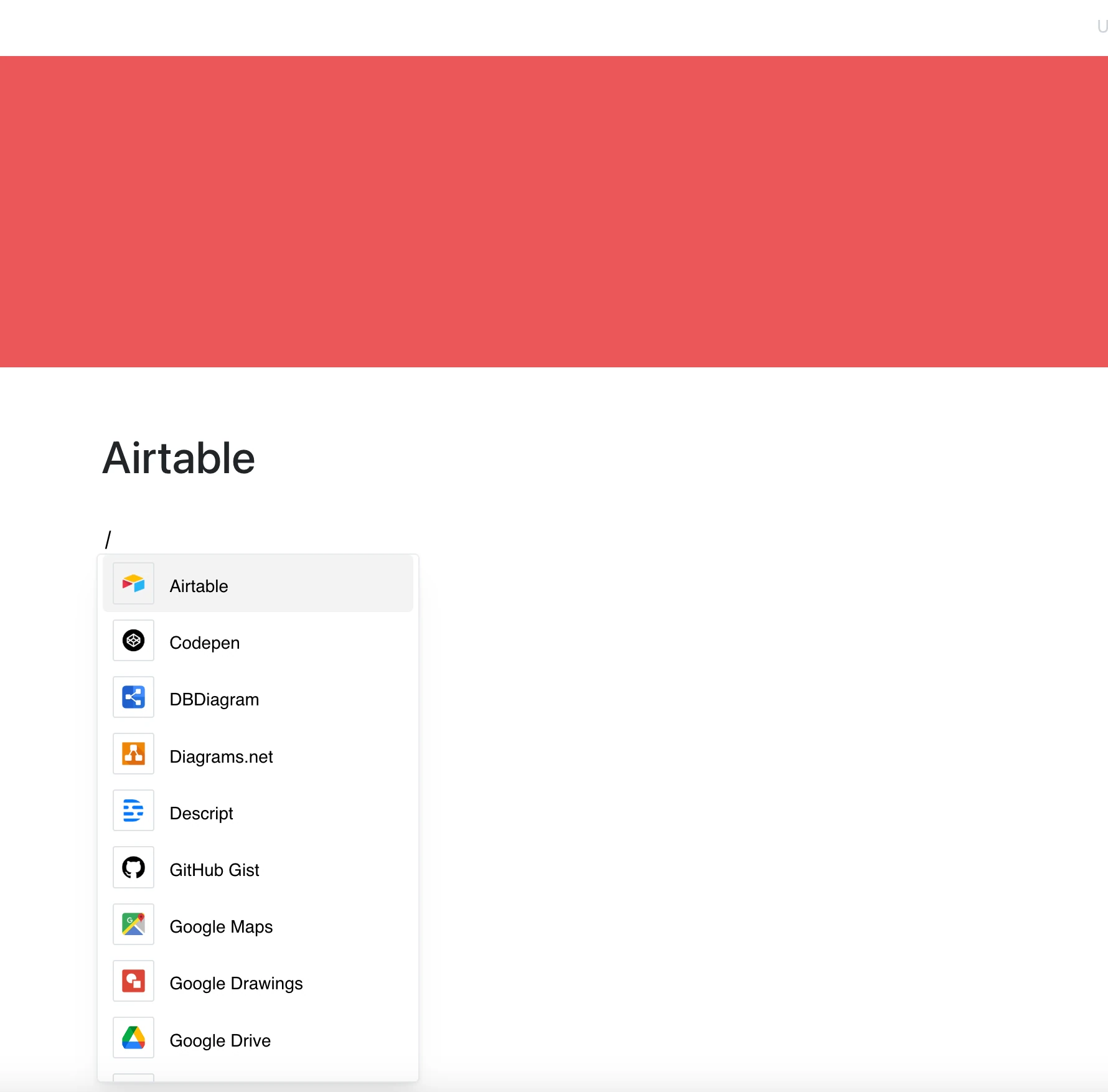
With the Airtable integration, you can embed shared Airtable views and forms into your Pages — paste a link and Layers turns it into a frame.
No copy-paste. No screenshots. The frame shows the current content of the source whenever the page is opened.
Why Use Airtable in Your Editor?
Whether you’re managing a content calendar, a product roadmap, or a team directory — Airtable keeps your data structured, and your workflow smooth.
Features That Work with You:
- Embed shared Airtable views (airtable.com/shr…) directly into your pages
- Filtering, sorting, and expanding records are available in the frame if the shared view allows it
- Add Airtable forms for easy data collection
- See the current state of the source whenever the page is opened
- Showcase tables visually without leaving your page
Use Cases
- Share product launch calendars with embedded views
- Track team responsibilities or sprint planning tables
- Collect feedback or user data with embedded forms
- Show a project dashboard in documentation
- Display shared tables across cross-functional teams
Your Data, Where You Work
Airtable makes data beautiful — and this integration makes it easy to show.
Stay in flow, keep things organized, and bring structured information right into your workspace.