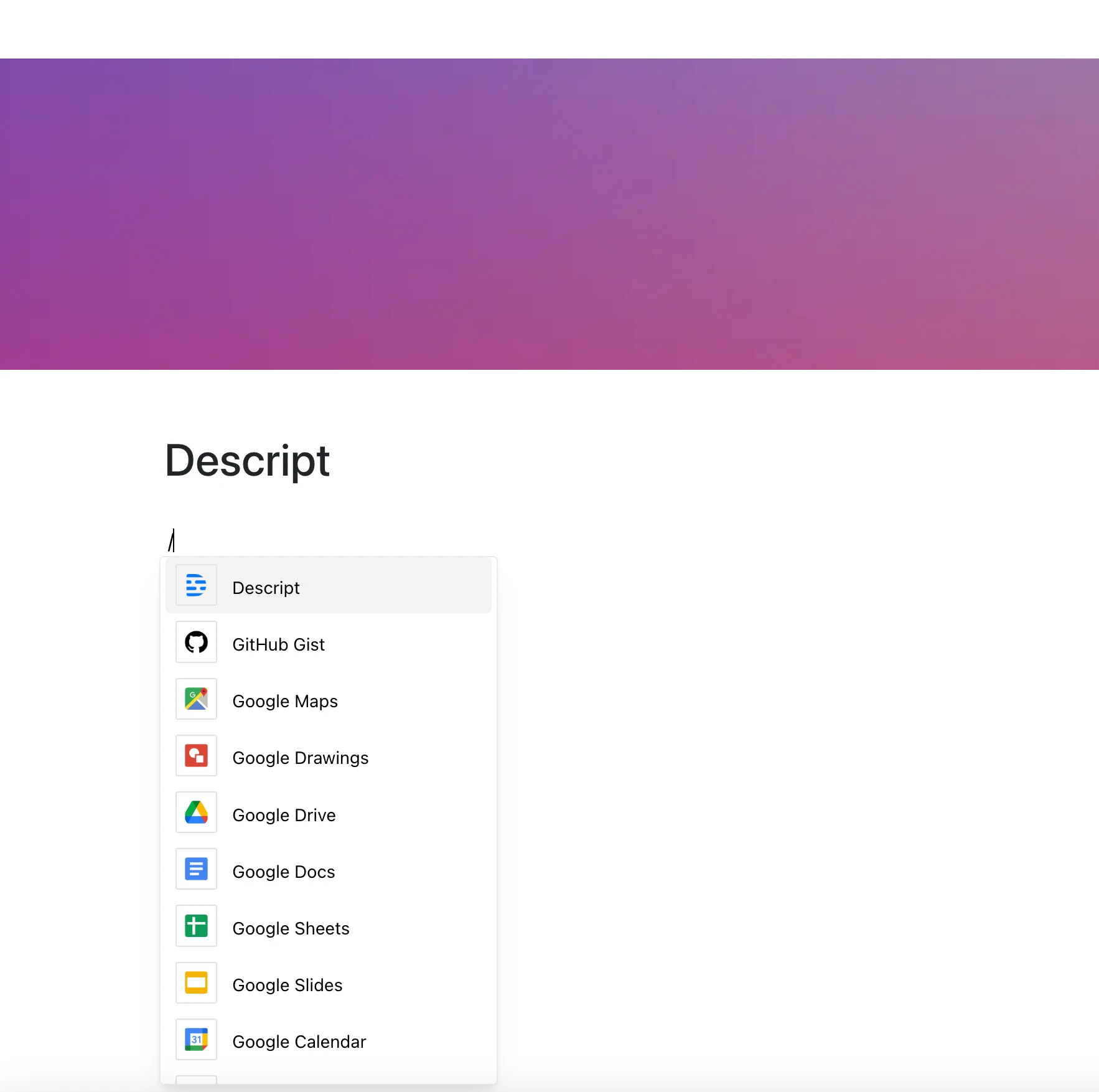
Bring your voice, stories, and conversations into your pages with the Descript integration.
Paste a Descript share link to embed an audio or video project and let others watch or listen right inside your editor.
From podcast recaps to video breakdowns, Descript turns your content into something you can actually hear and see.
Why Embed Descript?
Descript is more than a media editor — it’s a platform for collaboration, feedback, and storytelling. And now it’s part of your writing environment.
Key Features:
- Embed Descript projects by their share link (share.descript.com/view/…)
- Share podcasts, interviews, or video explainers with a link
- Play audio or video in place
- Transcript and other viewing options depend on the share settings in Descript
- Access follows the link’s sharing settings in Descript
Use Cases
- Add voiceovers to project documentation
- Share interview clips or internal recordings
- Enrich blog drafts or training materials with audio
- Share podcast drafts with your team inline
- Show edits to collaborators as part of creative feedback
Sound That Tells a Story
Descript makes media editable.
This integration makes it easy to share — in your space, in your workflow, and in your context.