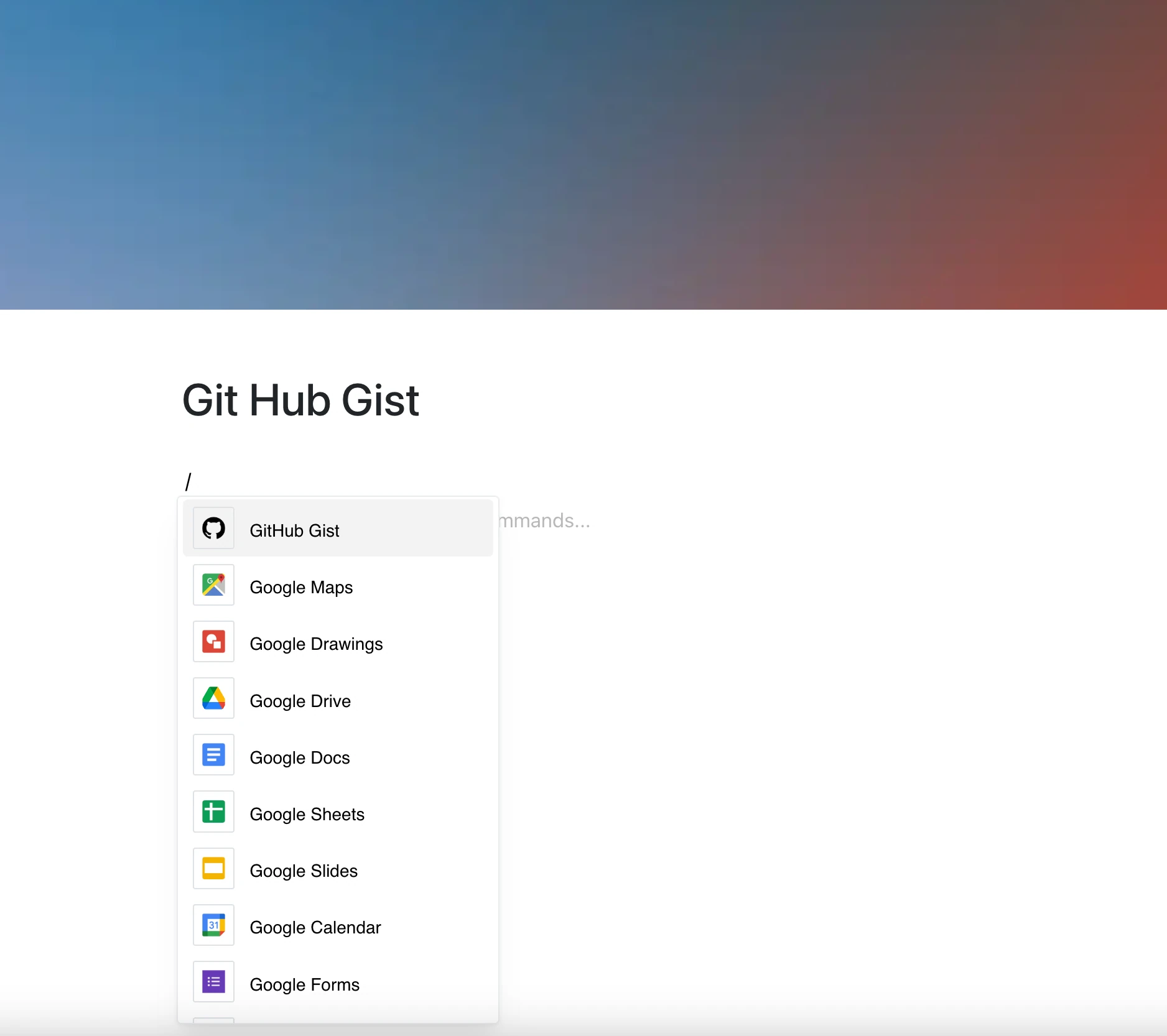
Quickly share code examples, single-file scripts, or reusable snippets with the GitHub Gist integration. It’s a clean, elegant way to display code without clutter — with syntax highlighting from Gist.
Perfect for documentation, tutorials, or collaborative notes.
Why Use GitHub Gist in Your Editor?
GitHub Gist makes it simple to host and share code — and this integration shows it right inside your pages.
Key Features:
- Embed a GitHub Gist (gist.github.com) with a link
- Syntax highlighting and file selection are provided by the Gist widget
- Works with single or multi-file gists
- The frame shows the current Gist whenever the page is opened
- Only Gists are supported — not repositories, issues, or pull requests
Use Cases
- Share code examples in documentation or onboarding guides
- Embed configuration files, scripts, or CLI snippets
- Reference reusable functions or logic
- Teach through embedded code blocks in educational content
- Keep one Gist as the source for code shown on several pages
Code That Speaks for Itself
No formatting. No duplication. Just your Gist — where it belongs.