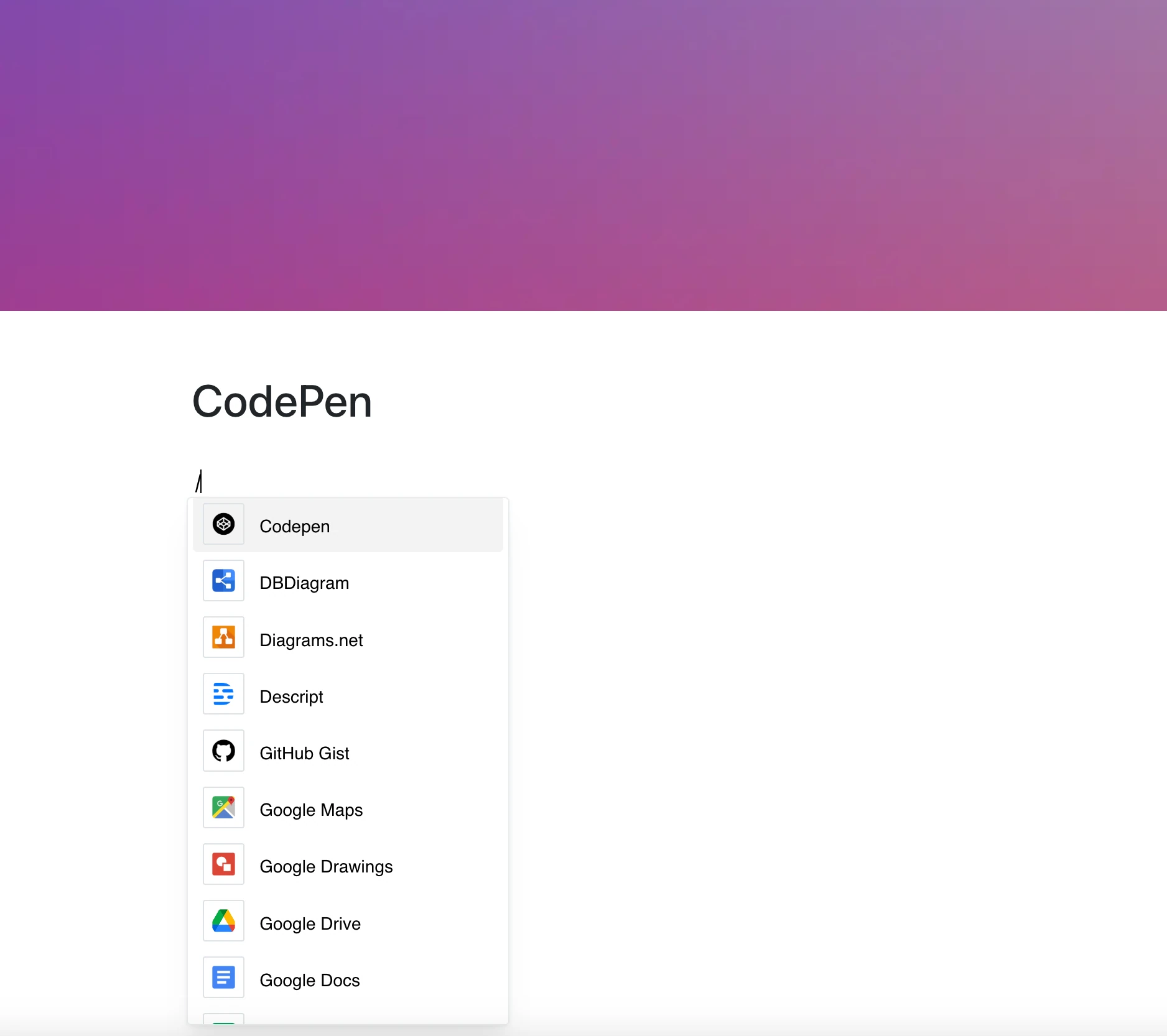
Share ideas, demos, and code experiments without switching tabs.
With the CodePen integration, you can embed pens directly into your pages by pasting a pen link — HTML, CSS, and JS in one place.
Perfect for showcasing components, prototyping UI, or explaining frontend logic right where it matters.
Why Use CodePen in Your Editor?
Whether you’re writing technical documentation, tutorials, or internal notes — embedded CodePen pens make your content more engaging and useful.
Key Features:
- Embed a pen by its link (codepen.io/…/pen/…)
- Run the demo right in the frame
- Viewing and editing code depends on the pen’s settings in CodePen
- Perfect for live demos or code explanations
- Works with HTML, CSS, and JS — whatever the pen contains
Use Cases
- Showcase reusable frontend components
- Embed UI experiments inside product specs
- Explain animation logic with live visuals
- Create technical docs with runnable examples
- Share code tutorials interactively
Code That Lives With Your Content
No screenshots, no copy-paste. Just a working pen inside your page, showing its current version whenever the page is opened.