A great schema is the blueprint for great systems.
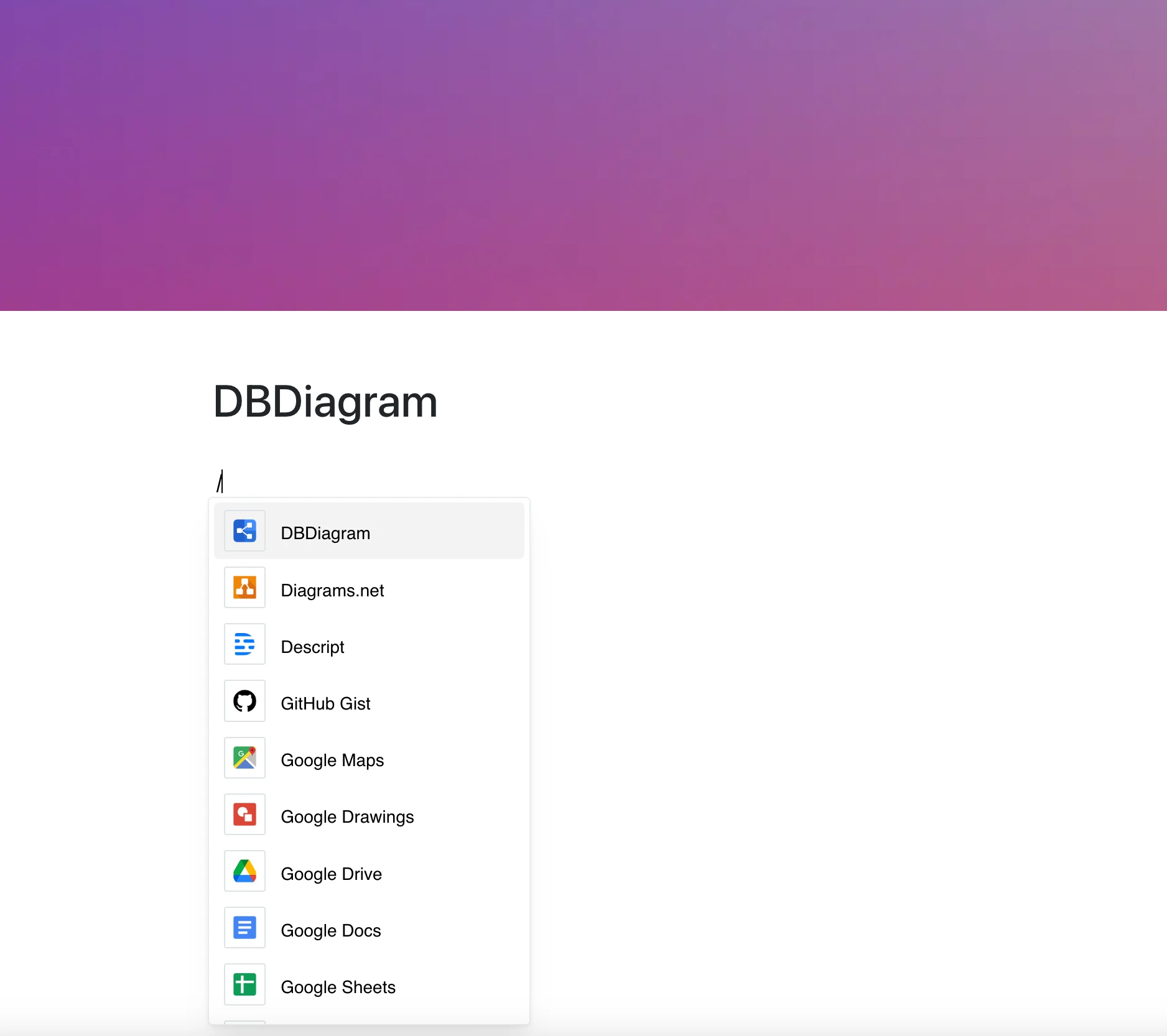
With the DBdiagram integration, you can embed database diagrams from dbdiagram.io directly into your documentation or workspace — making architecture transparent and collaboration effortless.
No more exporting PNGs or explaining table relationships over chat.
Why Use DBdiagram in Your Editor?
Designed for developers, analysts, and data teams, DBdiagram helps you visualize, discuss, and iterate on database designs faster.
Key Features:
- Embed an ER diagram with a single link (dbdiagram.io/e/… or /embed/…)
- View table relationships and structures at a glance
- Share schema previews without switching tools
- The frame shows the current diagram whenever the page is opened
Use Cases
- Share architecture plans with your dev team
- Document database changes visually
- Onboard new developers with schema views
- Include diagrams in technical specs or project docs
- Review relational models directly inside your workflow
Understand Your Data at a Glance
Clear structure. Clean relationships.
With DBdiagram embedded in your editor, your schema becomes part of the conversation.