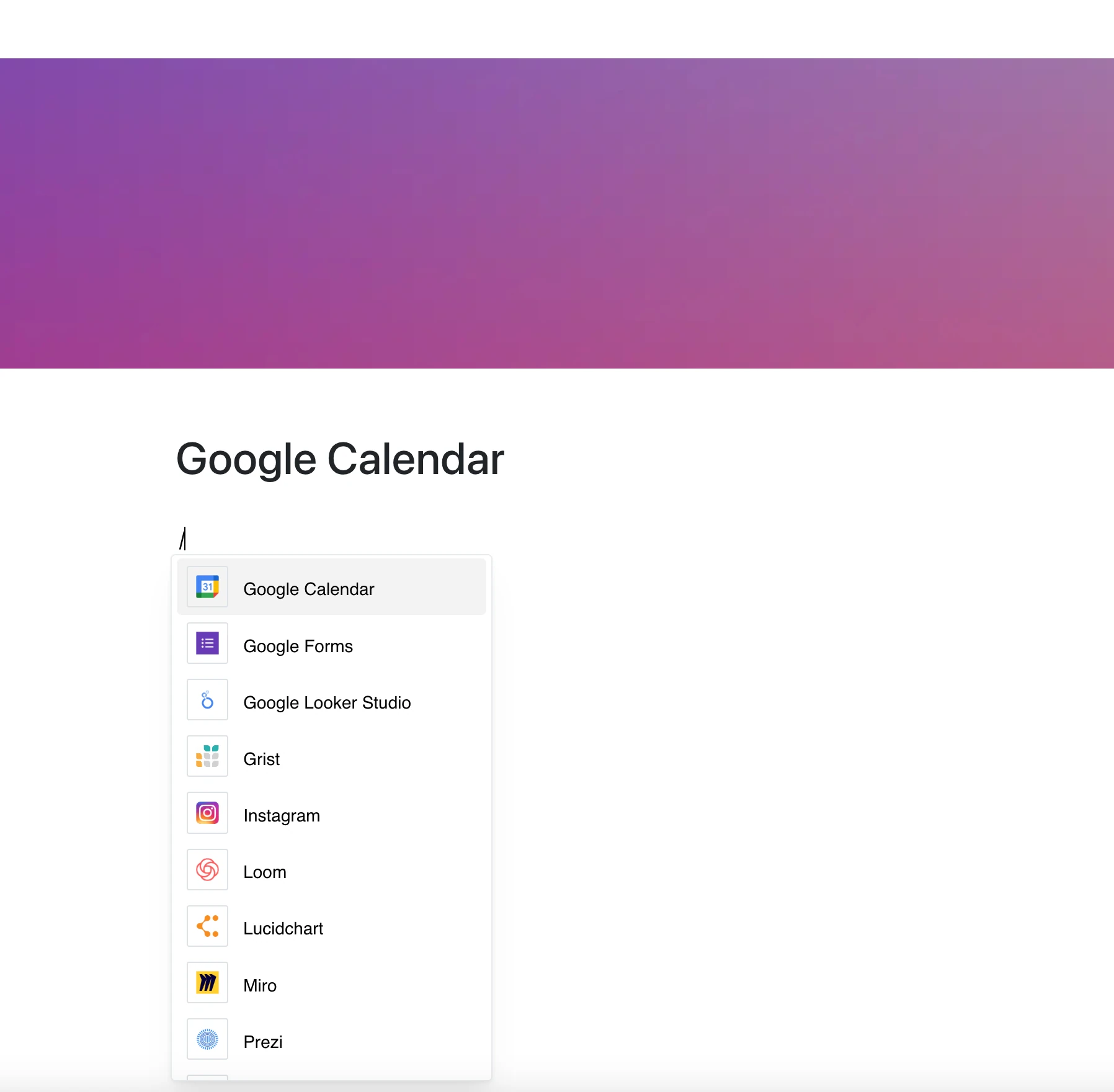
Show your events and schedules right in your workspace with the Google Calendar integration.
Paste the calendar’s embed link into a page and keep your schedule next to your content.
Why Use Google Calendar in Your Editor?
Google Calendar helps you organize time, and now it lives right inside your pages. Keep track of events and schedules, all in one place.
Key Features:
- Embed a Google Calendar with its embed link (calendar.google.com/calendar/embed?src=…) — a regular calendar link won’t work
- The calendar must be public or shared with the viewers
- Available views (day, week, month, agenda) depend on the embed settings in Google Calendar
- The frame shows the current calendar whenever the page is opened
- Use one calendar per embed; add several embeds for several calendars
Use Cases
- Share meeting schedules directly in project documentation
- Embed deadlines or event calendars in reports
- Organize team events or webinars for easy access
- Include a team calendar on a planning page
- Track project milestones or recurring activities
Your Schedule, Next to Your Content
Google Calendar is your digital planner.
Now it sits right on your page, next to your plans and projects.