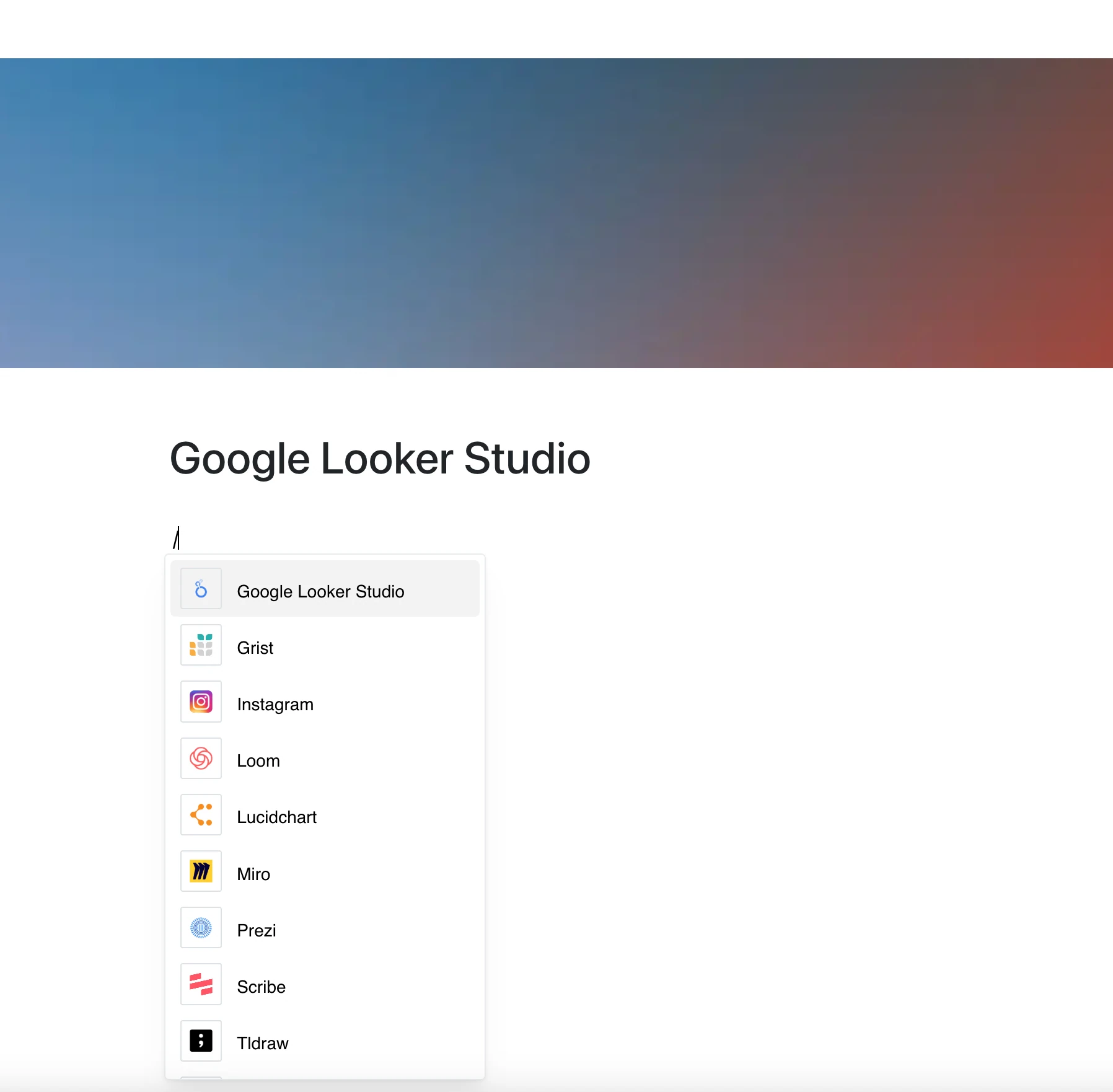
Visualize your data directly within your content. With the Google Looker Studio integration, you can embed a Looker Studio report on your page by pasting its link.
Why Use Google Looker Studio in Your Editor?
Google Looker Studio lets you create custom reports and dashboards from your data — and now you can place them right inside your pages.
Key Features:
- Embed a Looker Studio report with just a link
- The report opens in a frame on the page and shows its current content whenever the page is opened
- Charts, tables and graphs work as Looker Studio provides them
- Filters and drill-down are available in the frame if the report allows them
- Data sources and visualizations are set up in Looker Studio itself
Use Cases
- Share dashboards with your team
- Embed product analytics and performance metrics
- Add visual reports to project documentation
- Include data-driven insights in business presentations
- Display marketing, financial, or operational reports within your content
Your Data, In Context
Your report stays in Looker Studio — and appears right in your page, next to your notes and decisions.