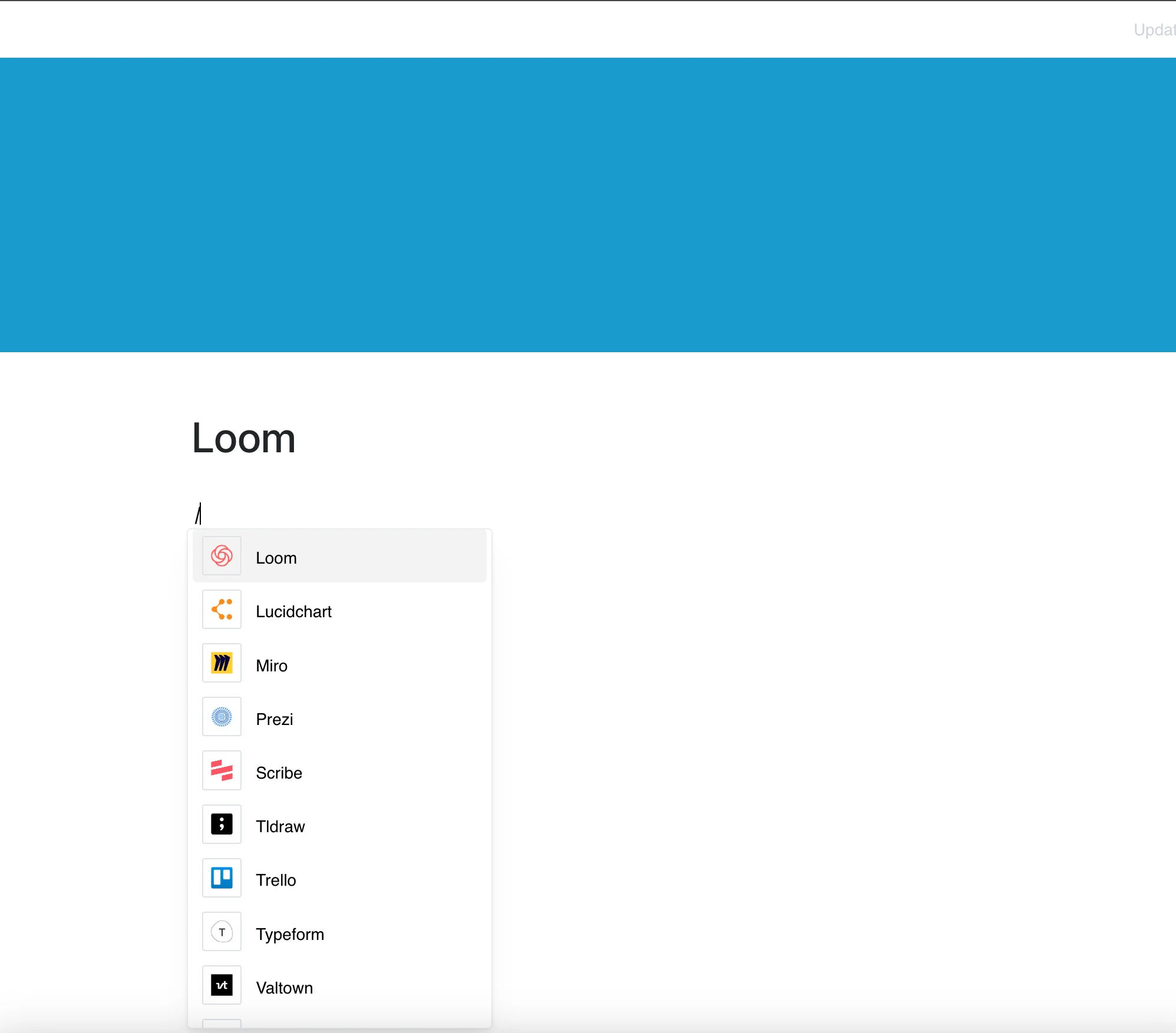
Bring your video messages into your workspace with the Loom integration.
Paste a Loom link, and the video plays right in your page.
Why Use Loom in Your Editor?
Loom helps you communicate visually and asynchronously — and now you can embed those videos directly where your content lives.
Key Features:
- Embed a Loom video into your page with a loom.com/share link
- Share video messages, tutorials, and walkthroughs
- Watch the video on the page without leaving it
- If the video is private, Loom may ask viewers to sign in
- Use videos to explain complex topics and workflows with ease
Use Cases
- Share product demos or feature walkthroughs in documentation
- Embed team updates or meeting recaps for easy reference
- Include video tutorials in knowledge bases or learning modules
- Enhance collaborative feedback with visual explanations
- Use Loom to create onboarding or training content for new hires
Video Communication, Embedded
Stop explaining it in text — show it with video.
With Loom in your page, your visual communication stays right where you work.