What if your workspace didn’t just look good — but sounded right too?
With the new Spotify integration, your page becomes more than a blank canvas. It’s now a place where rhythm meets focus, where creativity flows in sync with your soundtrack. Whether you’re writing, planning, designing, or reflecting — music can now move with you.
Why Add Spotify to Your Editor?
Music isn’t just background noise — it shapes your energy, sharpens your focus, and sets the tone for everything you create.
Features That Work in Harmony:
- Embed a track, album, playlist, podcast (show), or episode by pasting its Spotify link
- Play it right on the page – keep your flow uninterrupted (full playback depends on your Spotify account)
- Add music to project briefs, meeting notes, and creative pages
- Share a playlist your team can vibe to
- Create mood-based content with audio that matches the tone
Use Cases
- Creative writing with a personal soundtrack
- Project documentation enriched with voice and music
- Team spaces with shared work playlists
- Mood boards with music-driven inspiration
- Podcast recaps and reviews
- Learning hubs powered by audio content
Built for Focus and Flow
Whether it’s a lo-fi beat for deep work or a podcast on the latest trends, Spotify brings sound into your workflow — naturally.
Your words. Your work. Your music. All in one place.
Ready to work with rhythm?
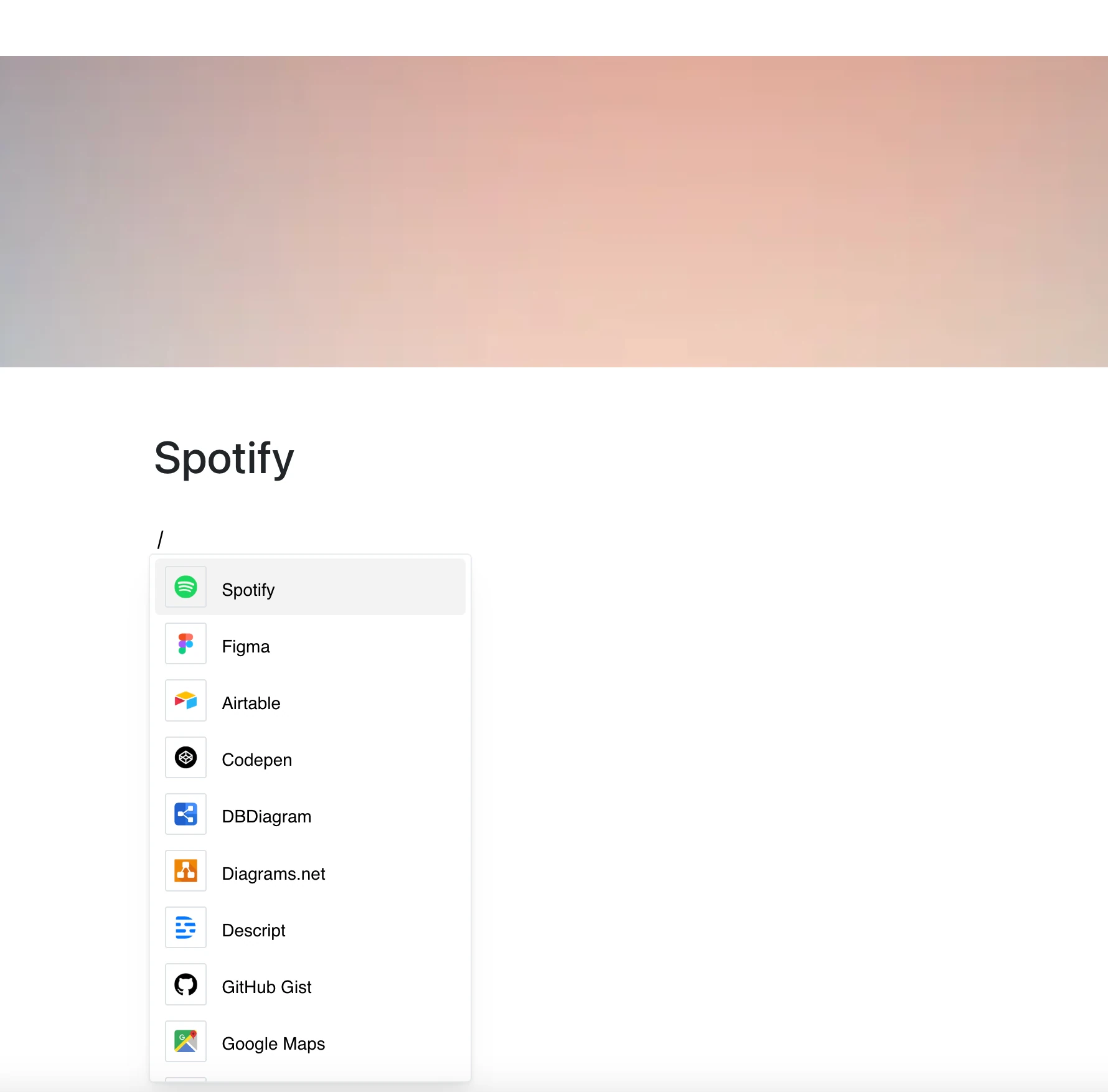
Open the “/” menu, choose Spotify under Embeds, and paste a link. Spotify on your page — because creativity deserves a soundtrack.