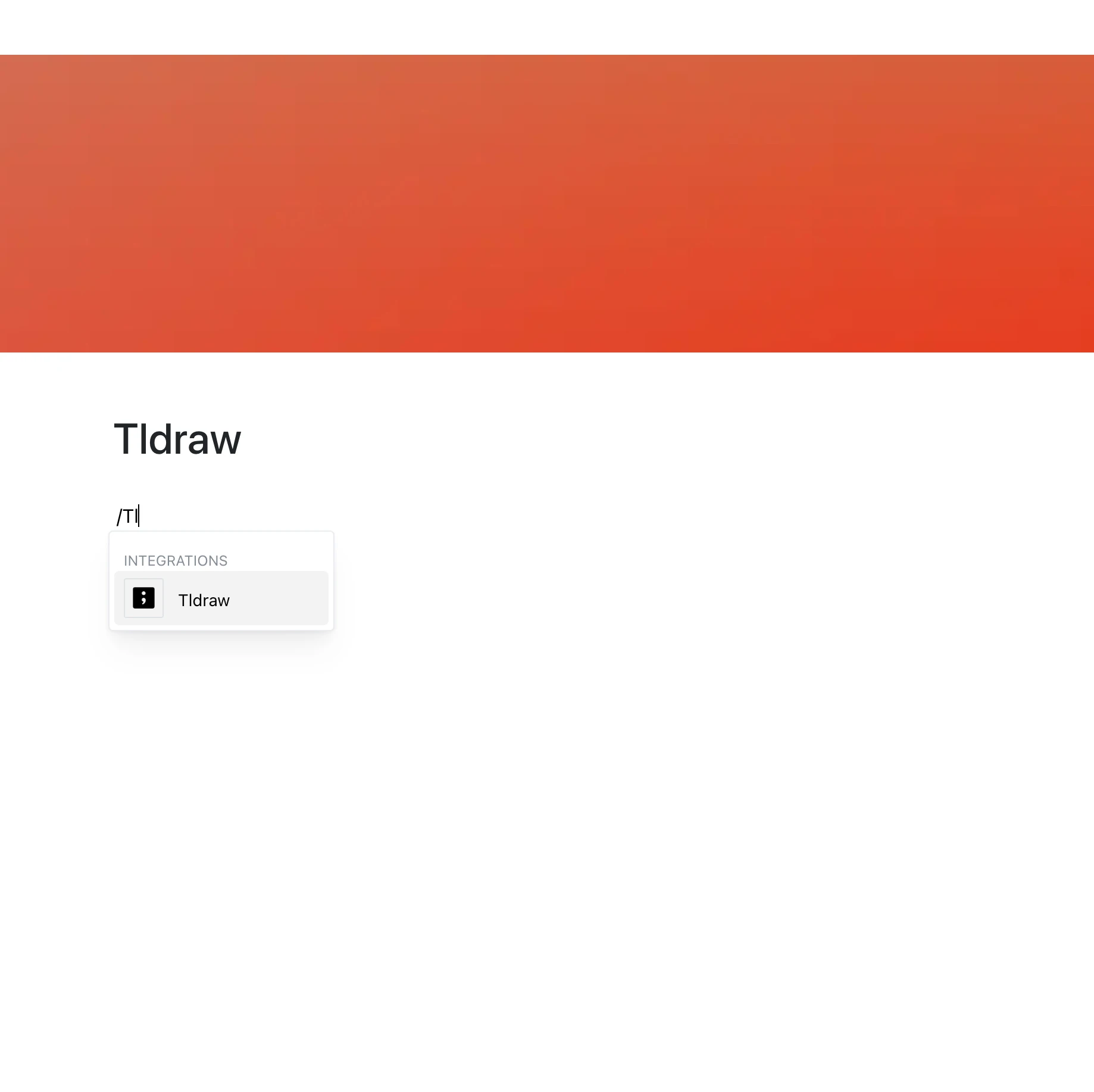
Create diagrams and illustrations with Tldraw and embed them directly into your pages.
Paste a tldraw.com link and the drawing appears right in your content.
Why Use Tldraw in Your Editor?
Tldraw combines simplicity with power, offering an intuitive drawing interface for both technical and creative diagrams. Now you can bring your drawings into your workspace with ease.
Key Features:
- Embed a Tldraw drawing by pasting its tldraw.com link
- The embed shows the current content of the drawing whenever the page is opened
- Zoom, pan, and edit inside the frame, if the Tldraw link allows it
- Share diagrams and visuals without leaving your page
- Shapes, lines, and freehand drawing, as provided by Tldraw
Use Cases
- Share brainstorming sketches and diagrams
- Visualize project workflows or product roadmaps
- Embed architectural diagrams or network designs
- Add mind maps and process charts
- Use as a whiteboard for team ideation and planning
Draw and Share
Tldraw makes drawing as simple as possible — and now you can place those drawings directly in your content.