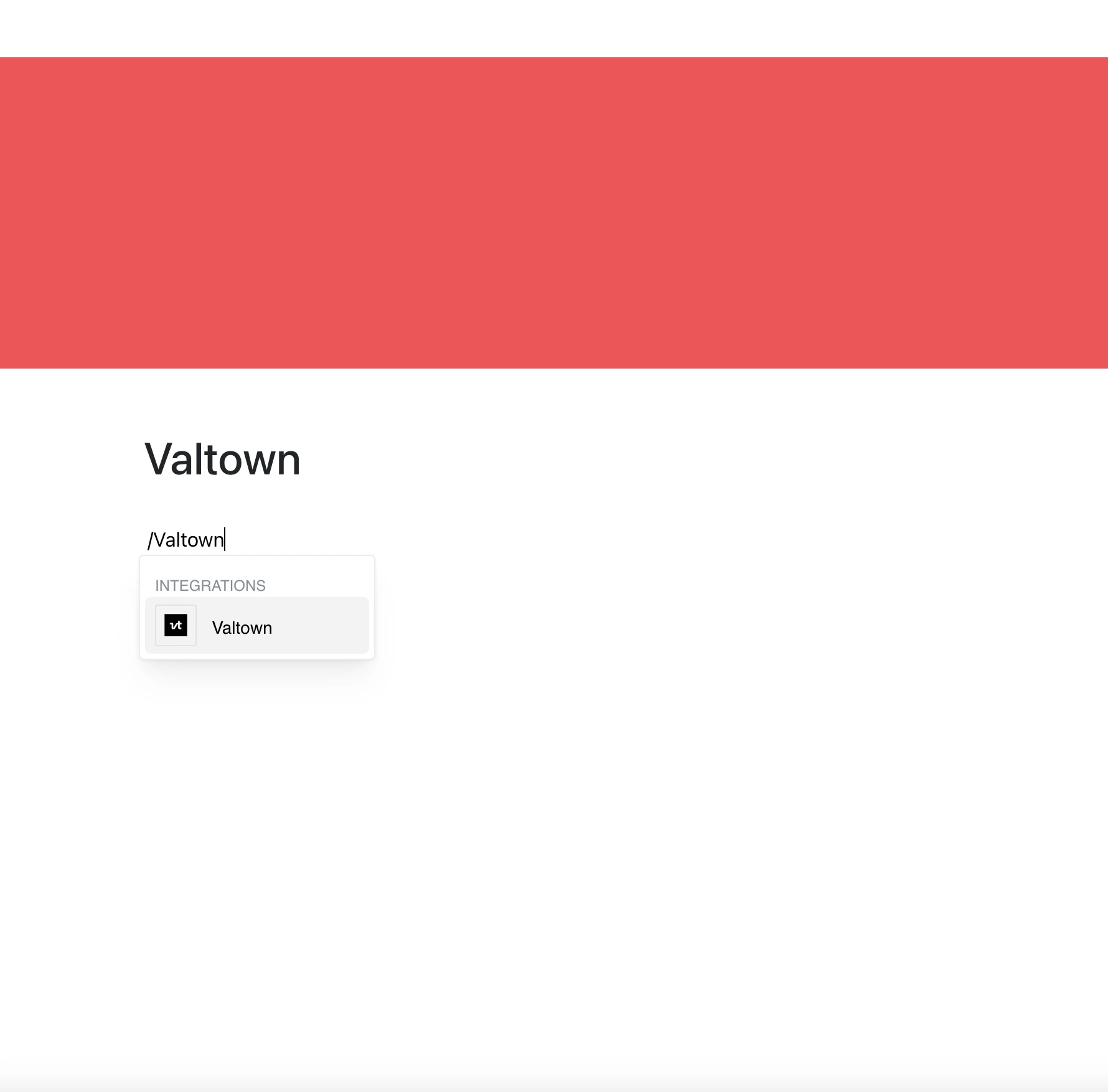
Show live code next to your documentation with the Valtown integration.
Paste a link to a val (val.town/v/…) and it appears right in your Layers page.
Why Use Valtown in Your Editor?
Val Town is a platform for writing and running small pieces of server-side code. Now you can keep an example, a script, or a small tool next to the text that explains it.
Key Features:
- Embed a val by pasting its val.town/v/… link
- The embed shows the current content of the val whenever the page is opened
- View the val’s code inside the page, without leaving your workspace
- What you can do inside the frame (run, edit, fork) depends on Val Town and the val’s visibility
Use Cases
- Add code examples to technical documentation
- Share a small script or API endpoint with your team
- Illustrate a tutorial with a working val
- Keep a utility next to the notes that describe it
Code Where You Write
With a val embedded in your page, the code and its explanation stay in one place.