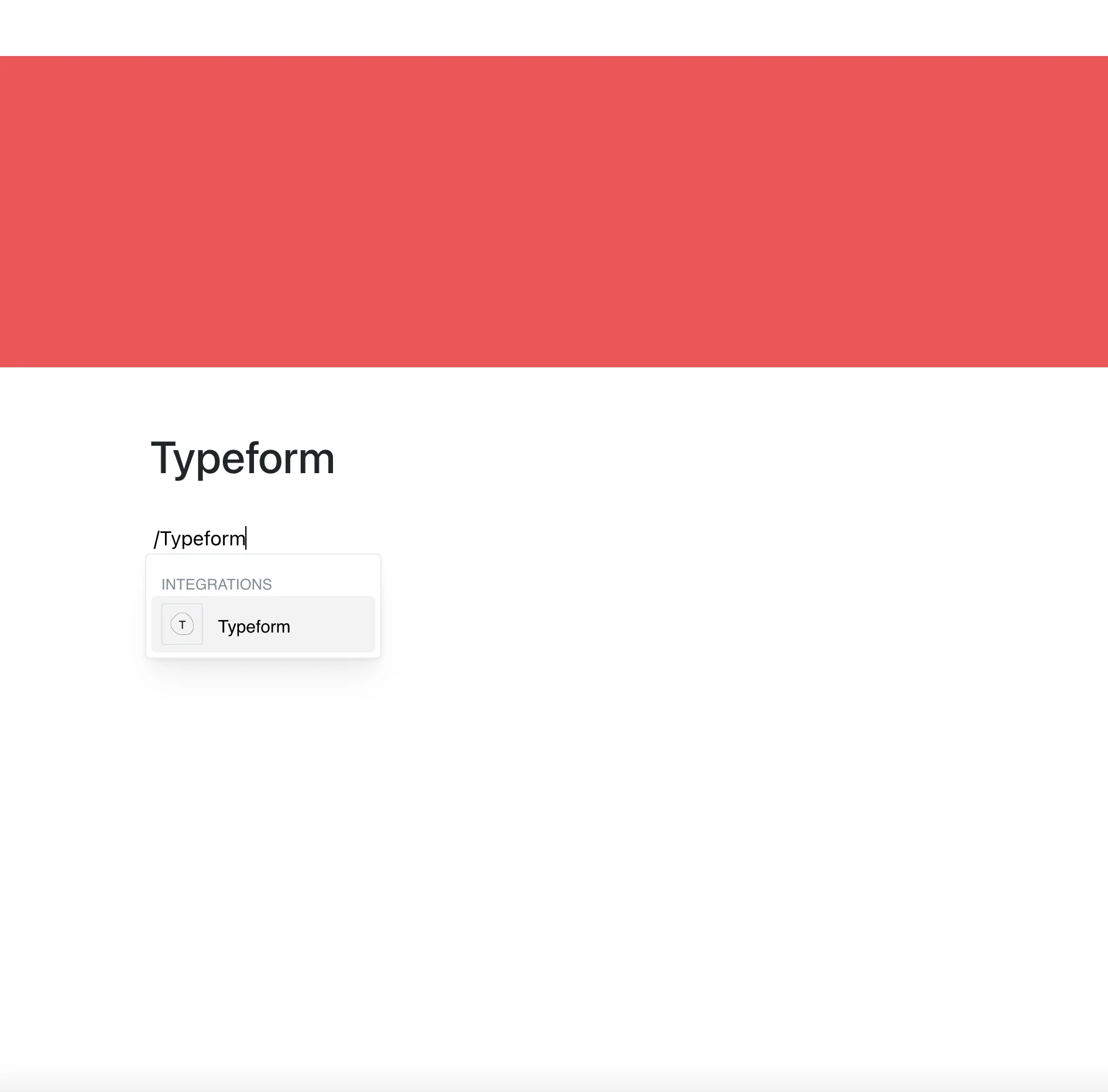
Engage with your audience and collect valuable data with the Typeform integration.
Paste a link to your form and it opens right on the page, so people can respond without leaving your workspace.
Why Use Typeform in Your Editor?
Typeform makes it easy to create conversational forms and surveys. With this integration, you can place them inside your pages, making the process seamless.
Key Features:
- Embed a Typeform form by pasting its link (your-account.typeform.com/to/…)
- Surveys, quizzes, and feedback forms, as built in Typeform
- The embed shows the current version of the form whenever the page is opened
- Responses are collected and stored by Typeform, not by Layers
- Question types, styling, and branding are set up in Typeform
Use Cases
- Collect feedback from users or clients
- Add forms for event registration or subscription sign-ups
- Share surveys for product testing or user research
- Gather responses to questionnaires
- Include feedback forms in documentation or support pages
Collect Insights Effortlessly
Typeform turns traditional forms into interactive experiences.
Now you can place them directly in your content.