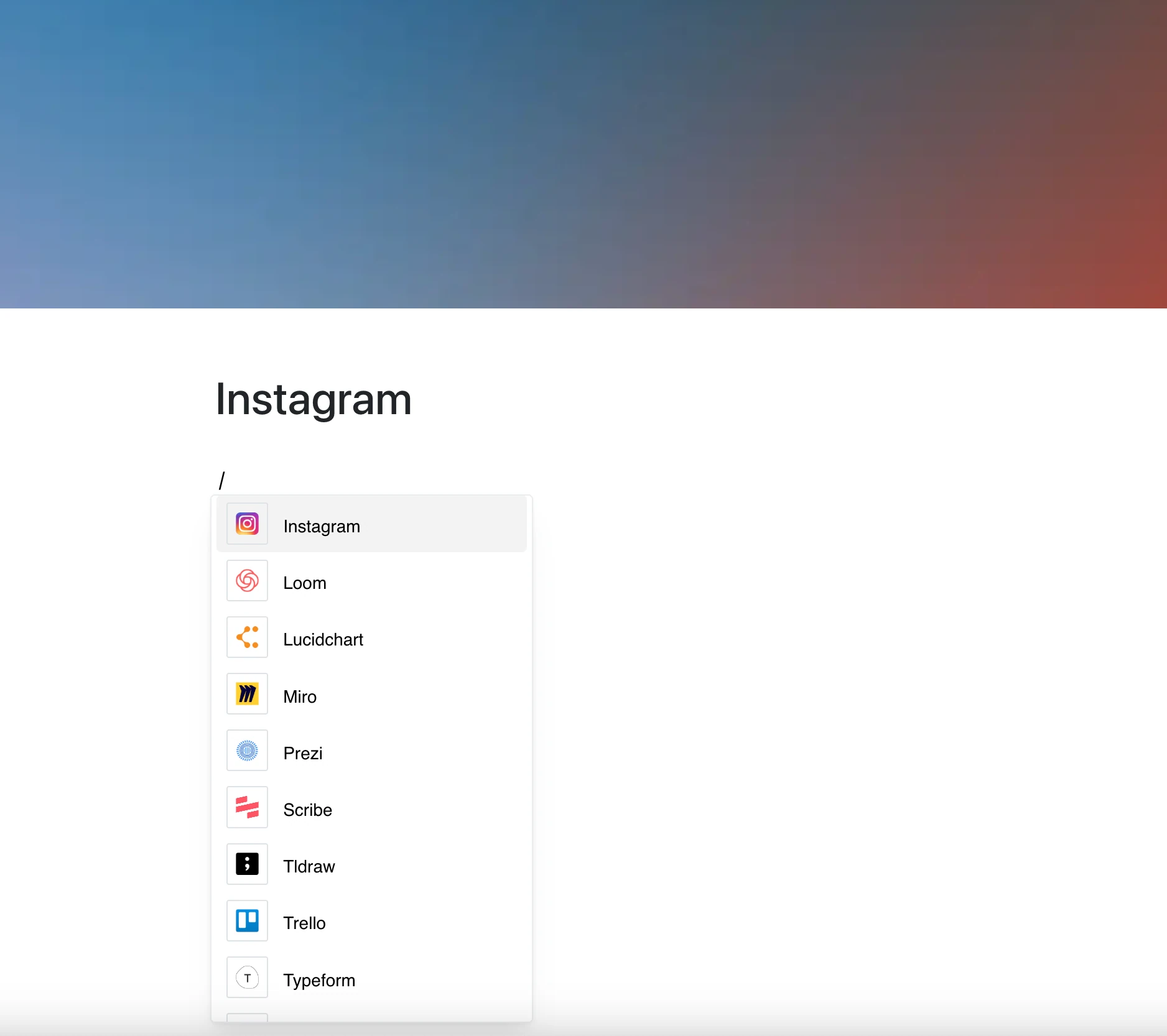
Bring your social media presence into your workspace with the Instagram integration.
Paste a link to an Instagram post or reel, and Layers shows it right in your page.
Why Use Instagram in Your Editor?
Instagram is one of the most powerful platforms for visual storytelling, and now its posts can be part of your page. Share visual content and marketing materials with your team.
Key Features:
- Embed Instagram posts (/p/…) and reels (/reel/…) with a link
- Photos and videos play in a frame right on the page
- Profile links are not supported — only individual posts and reels
- No additional tools required — just paste the URL
- Perfect for marketing, branding, and creative content sharing
Use Cases
- Showcase marketing campaigns directly in product docs
- Add Instagram posts to event or project documentation
- Share brand content or user-generated media in team meetings
- Enrich presentations with relevant social media posts
- Collect examples from social channels on one page
Social Media, Embedded
No more screenshots or downloads — an Instagram post is just a link away.
Put it in your content and let the social flow happen where it belongs.