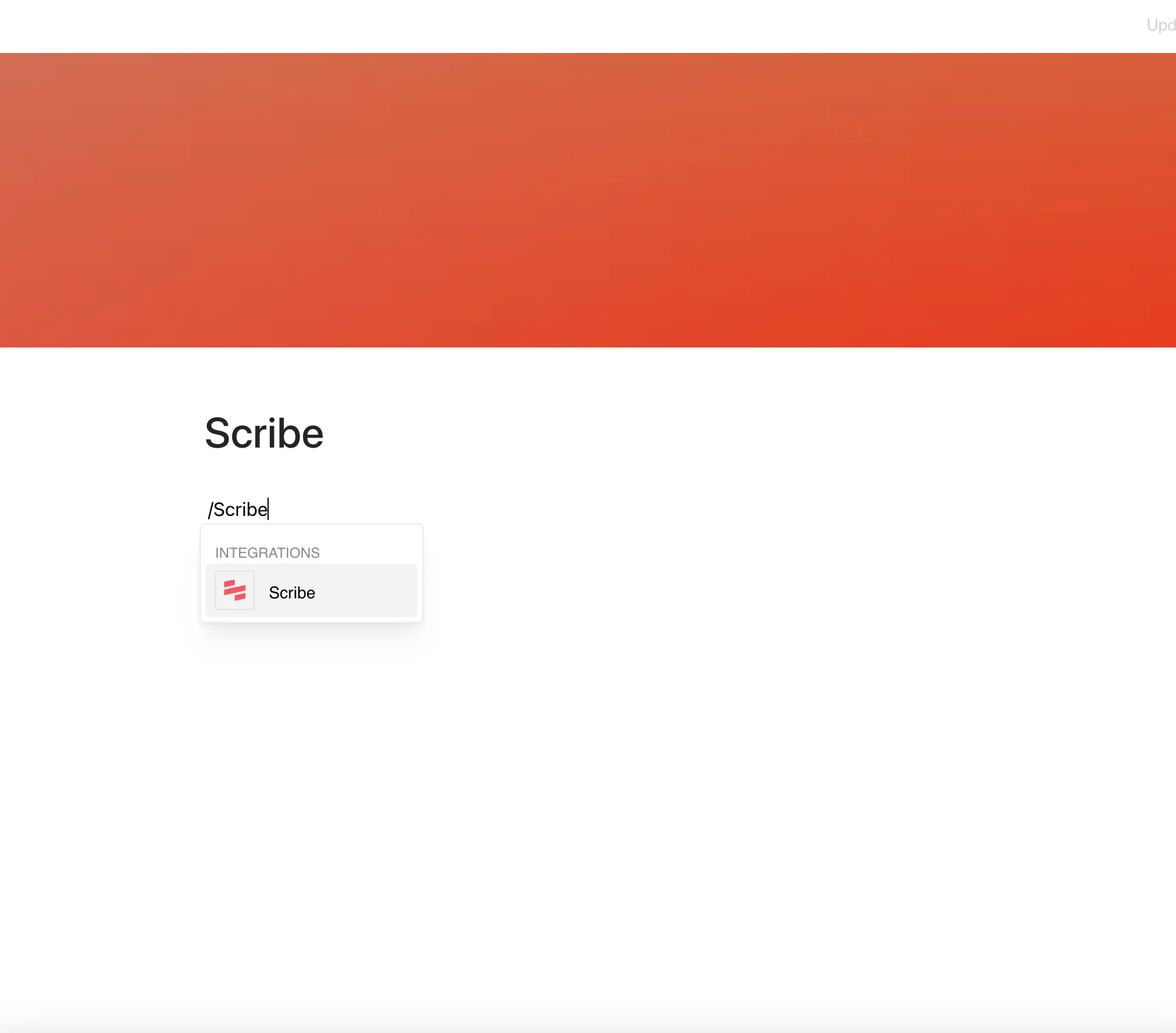
With the Scribe integration, you can place step-by-step guides and process documentation directly on your Layers pages.
Paste a link to a shared Scribe guide and it appears right in your content.
Why Use Scribe in Your Editor?
Scribe makes it easy to create guides for any task, and this integration brings those guides directly into your workspace, where they belong.
Key Features:
- Embed a shared Scribe guide by pasting its scribehow.com/shared link
- Step-by-step tutorials with screenshots, shown inside the page
- The embed shows the current content of the guide whenever the page is opened
- Read the guide in place, without leaving your page
- Keep documentation for any workflow or process next to your own text
Use Cases
- Share onboarding materials and training guides with your team
- Embed process documentation directly within project plans
- Include step-by-step troubleshooting guides in support docs
- Share knowledge-based guides for customer-facing materials
- Keep procedures in one place, next to the context they belong to
Share Knowledge, Effortlessly
Scribe takes the hassle out of creating guides.
Now you can place them directly in your content and share knowledge effortlessly.