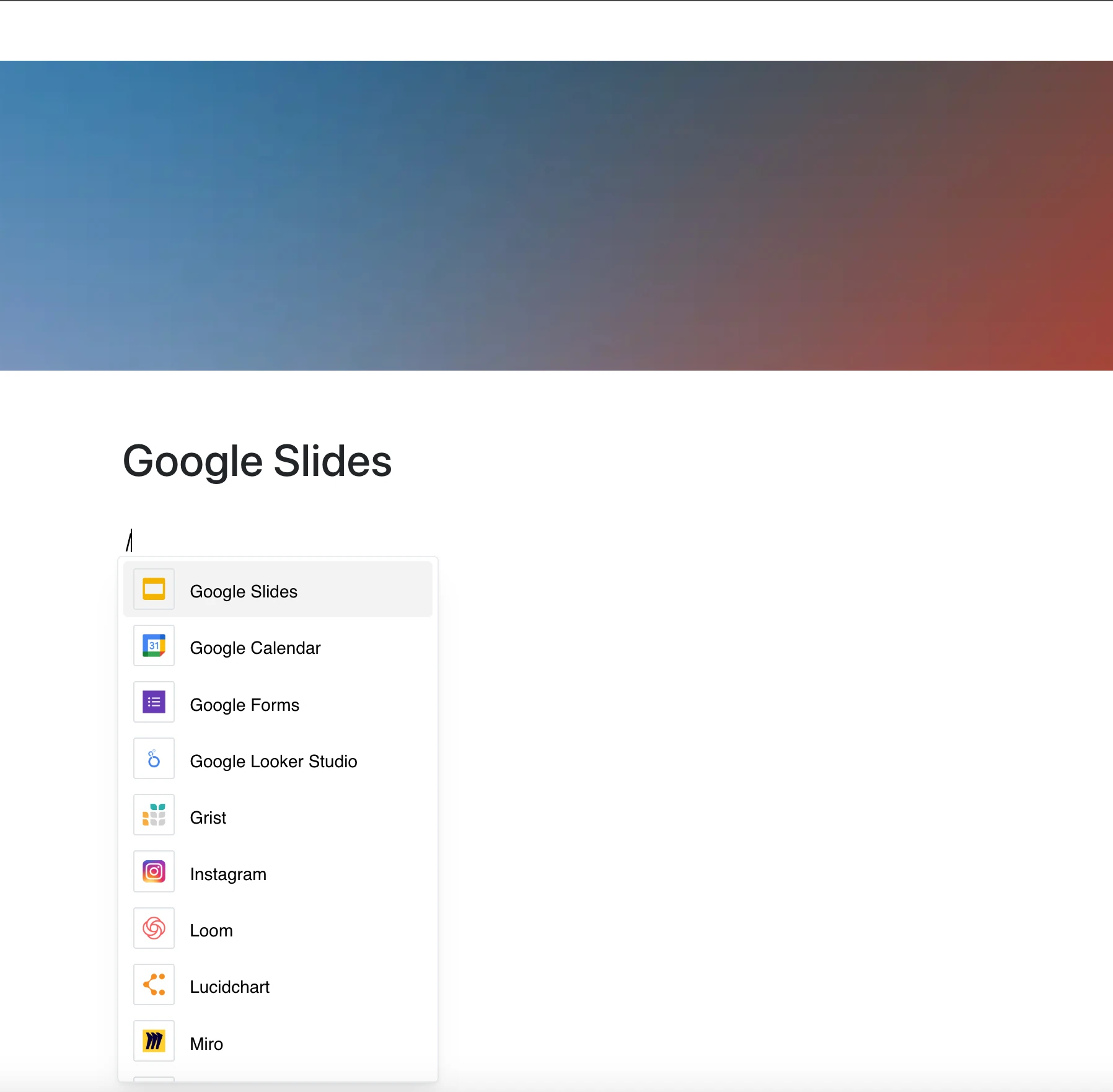
Embed your Google Slides presentations right into your page.
With the Google Slides integration, presentations are no longer separate from your documentation — they’re part of the conversation.
Why Use Google Slides in Your Editor?
Your slides live in Google Slides — this integration shows them right inside your Layers page.
Key Features:
- Embed a Google Slides presentation with its link
- Flip through slides right on the page, without leaving it
- The frame shows the current version of the presentation whenever the page is opened
- If the presentation is private, viewers need access to it in Google
- Keep presentations next to your project documentation
Use Cases
- Embed company presentations into product specs or strategy docs
- Share meeting slides directly inside your documentation
- Add educational or training materials into learning hubs
- Include slide decks for product demos or pitches
- Create documentation with integrated visual content from presentations
Visual Content, Fully Integrated
Stop flipping between tabs to present your content.
With Google Slides embedded, your slides are always part of the flow.