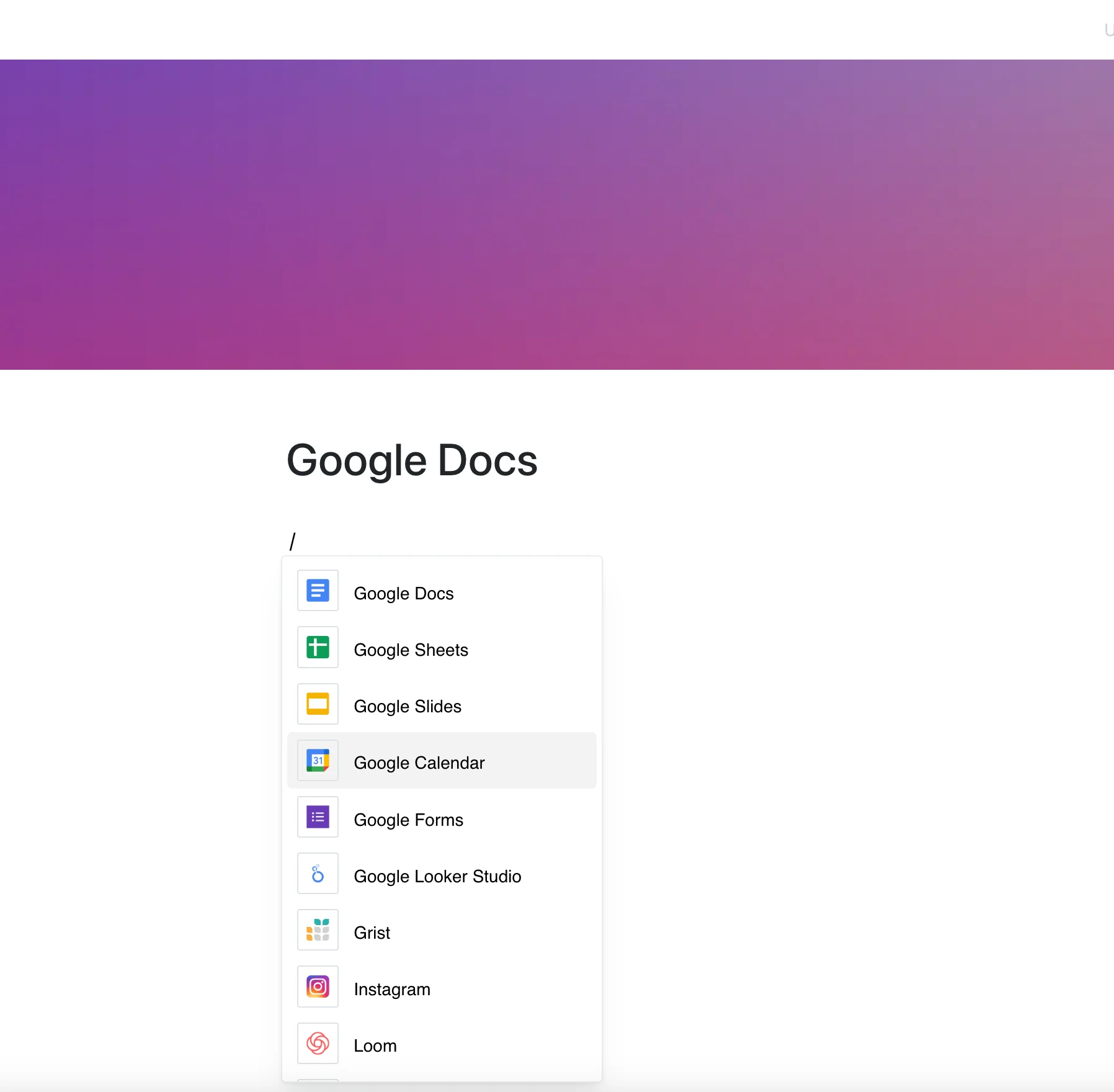
Bring documents into your content with the Google Docs integration.
Embed a doc where your team already works — no more switching tabs, no more outdated copies.
Why Use Google Docs in Your Editor?
Google Docs is built for collaboration — and this integration puts your docs right on your Layers pages.
Key Features:
- Embed a Google Doc by its link (docs.google.com/document/…)
- The frame shows the current content of the doc whenever the page is opened
- View and scroll entire documents in place
- For private files, viewers need access to the doc in Google
- Editing and commenting depend on Google and the doc’s access settings
Use Cases
- Share project briefs, outlines, and team docs
- Embed planning docs or feature specs into dashboards
- Reference existing templates and internal playbooks
- Keep long-form content next to your notes in Layers
- Centralize access to key documentation for onboarding or training
Writing Here, Reading There
Google Docs is where you write — this integration brings that writing into everything else.