

Layers
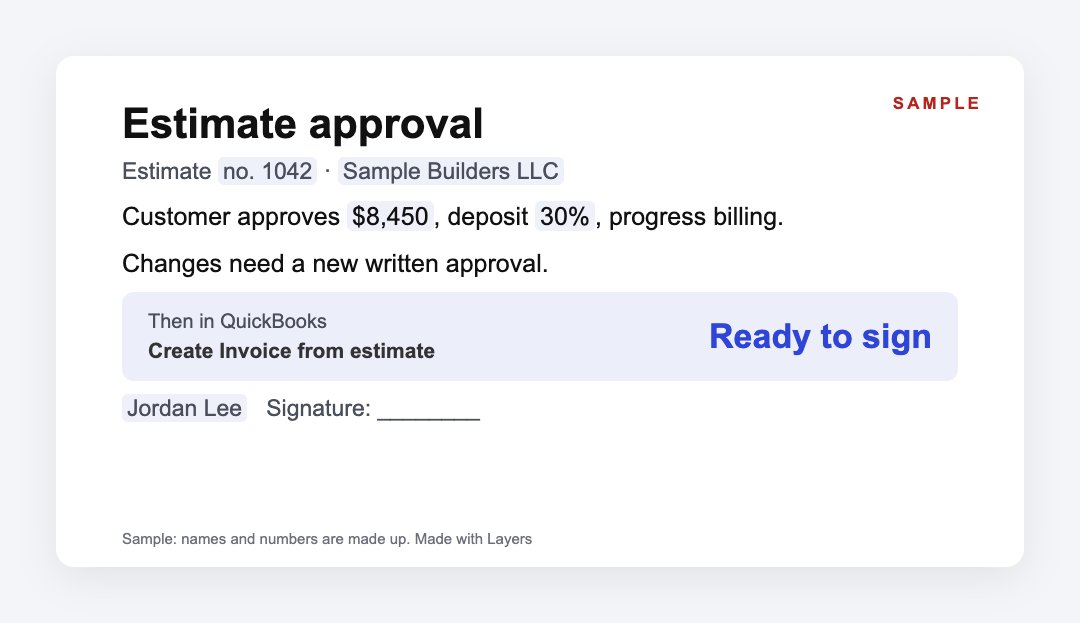
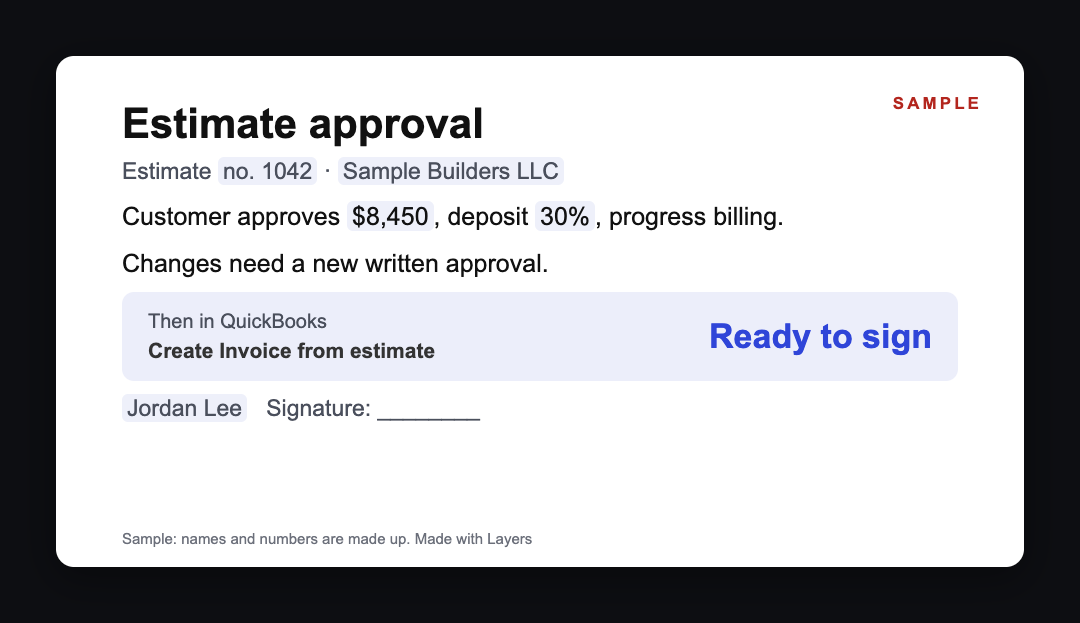
Sample approval: a customer signs estimate no. 1042 for $8,450 with 30% deposit and progress billing. Sample approval: a customer signs estimate no. 1042 for $8,450 with 30% deposit and progress billing.

Ready, not blank.

Download the form in Word

The form is written. Add the estimate number, total and billing.

Then. Send it with the estimate, get it signed, and create the invoice from the estimate in QuickBooks.

Estimate approval for QuickBooks Desktop — the form is ready

QuickBooks Desktop does not record the customer’s yes on an estimate. Get it in writing: the estimate number, total, deposit, how you will bill, and both signatures. Then open the estimate in the Customer Center and select Create Invoice; with progress invoicing on, you can bill it in parts. The form is below.

Updated: · Next check: 2027-02-07

Estimate approval for QuickBooks Desktop Opening…
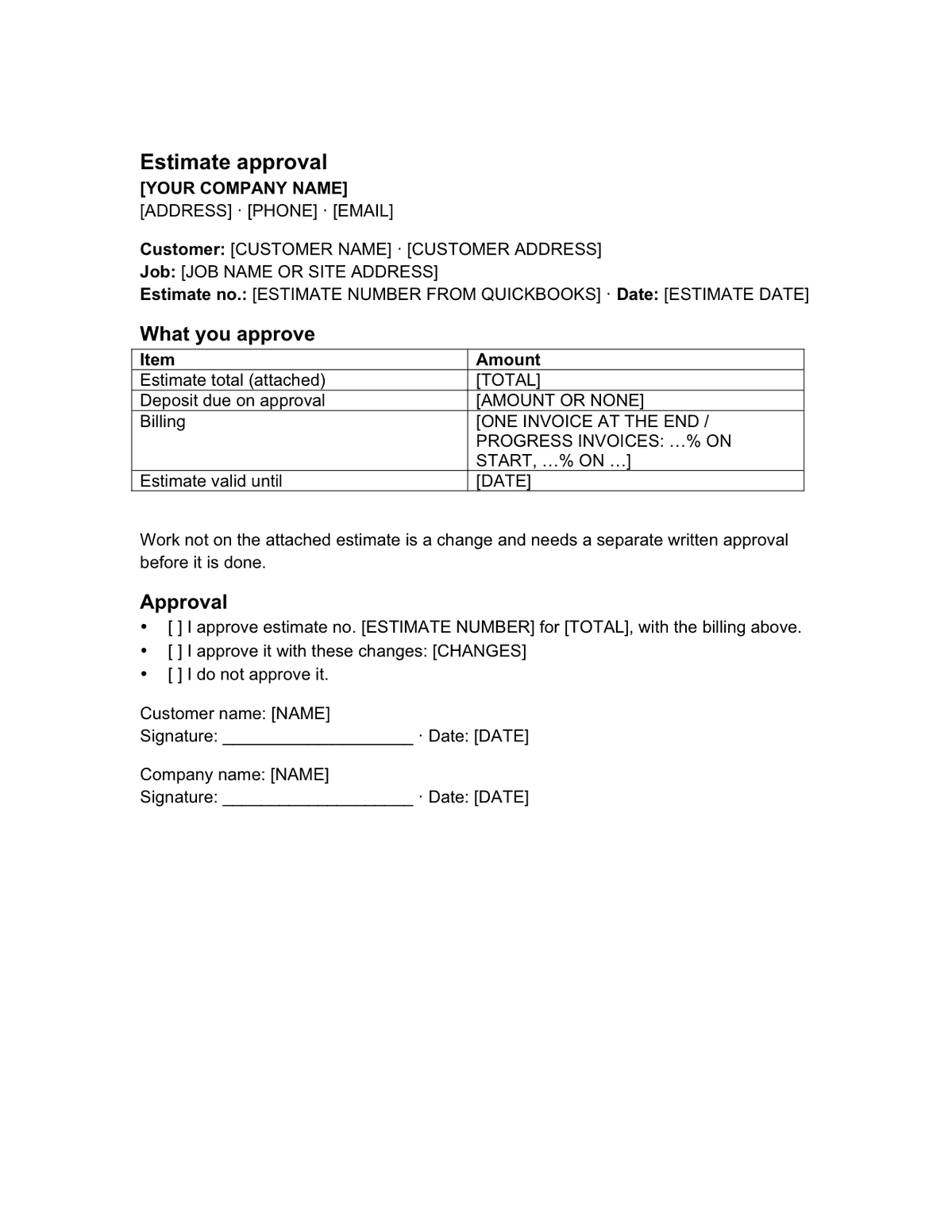
Estimate approval for QuickBooks Desktop: first page

We use your email only to send the file and the reminders you ask for. Unsubscribe in one click.

Send:

We will ask you to confirm this address, then email you the recipient’s reply.

Start typing right in the document — no sign-up. It stays in this browser; save it to your free Layers account to keep it, open it on your phone and share it.

Enter a date — we’ll count the deadlines


  • Follow up if not signed (our suggestion)type the date

Working days: Monday to Friday; public holidays are not deducted. Check your own case.

No legal deadline: set your own “valid until” date on the form.

Embed on your site

Paste this code on your site (law office, school, blog) — readers fill in the template right on your page, free.

Lida, Layers template assistant

Lida, Layers template assistant

Get the yes in writing before you start the work.

Changes not on the estimate need a new approval.

Full text of the form

Replace what is in square brackets. It is the same text as the Word file.

Download in Word (.docx) Free, no sign-up · CC BY 4.0 license

Estimate approval

[YOUR COMPANY NAME]
[ADDRESS] · [PHONE] · [EMAIL]

Customer: [CUSTOMER NAME] · [CUSTOMER ADDRESS]
Job: [JOB NAME OR SITE ADDRESS]
Estimate no.: [ESTIMATE NUMBER FROM QUICKBOOKS] · Date: [ESTIMATE DATE]

What you approve

ItemAmount
Estimate total (attached)[TOTAL]
Deposit due on approval[AMOUNT OR NONE]
Billing[ONE INVOICE AT THE END / PROGRESS INVOICES: …% ON START, …% ON …]
Estimate valid until[DATE]

Work not on the attached estimate is a change and needs a separate written approval before it is done.

Approval

  • ☐ I approve estimate no. [ESTIMATE NUMBER] for [TOTAL], with the billing above.
  • ☐ I approve it with these changes: [CHANGES]
  • ☐ I do not approve it.

Customer name: [NAME]
Signature: ____________________ · Date: [DATE]

Company name: [NAME]
Signature: ____________________ · Date: [DATE]


For the office: in QuickBooks Desktop

  • ☐ Estimates and progress invoicing are on (Edit > Preferences > Jobs & Estimates)
  • ☐ Signed approval saved with the customer’s estimate
  • ☐ Invoice created from the estimate (Create Invoice) — [DATE]
  • ☐ Report checked: Job Progress Invoices vs. Estimates

Deadlines

The rules, with the source

WhatDeadlineSource
Turn on estimatesEdit > Preferences > Jobs & Estimates: “Do you create estimates?” YesIntuit, progress invoicing (Desktop)
Turn on progress invoicingSame screen: “Do you do progress invoicing?” Yes; switch to single-user mode firstIntuit, progress invoicing (Desktop)
Invoice from the estimateCustomers > Customer Center, open the estimate, select Create InvoiceIntuit, progress invoicing (Desktop)
Over 100%QuickBooks warns if invoices would exceed the estimate totalIntuit, progress invoicing (Desktop)
Track billingReports > Jobs, Time & Mileage > Job Progress Invoices vs. EstimatesIntuit, progress invoicing (Desktop)
Customer approvalNot recorded by QuickBooks: keep the signed form with the estimateIntuit, progress invoicing (Desktop) — not covered

These are QuickBooks Desktop steps from Intuit’s help pages, not legal rules. Menus can differ between Desktop versions and QuickBooks Online.

Step by step

What to do, in order

  1. 1

    Create the estimate

    In QuickBooks Desktop.

  2. 2

    Fill in the form

    Estimate number, total, deposit, billing.

  3. 3

    Send both

    Estimate and approval form.

  4. 4

    Get it signed

    Approve, approve with changes, or not.

  5. 5

    Create the invoice

    From the estimate, all at once or in parts.

  6. 6

    Check the report

    Progress invoices vs. estimates.

Questions

Can a customer approve an estimate inside QuickBooks Desktop?

Intuit’s Desktop help does not describe an approval step. Keep a signed approval with the estimate.

How do I turn an estimate into an invoice?

Open the estimate from the Customer Center and select Create Invoice.

Can I bill an estimate in parts?

Yes, with progress invoicing turned on in Edit > Preferences > Jobs & Estimates.

What if invoices go over the estimate?

QuickBooks warns you when billing would exceed 100% of the estimate.

Is this a contract?

It is a written approval of the estimate. Check your state’s rules for contracts if the job needs one.

Official sources

Other documents

All templates: United States →

Keep the papers in one place

Letters, receipts and notices in one folder you can share with family or a lawyer. The templates and the editor are free; Layers is free for up to 20 people.

This is a template and general information, not legal or accounting advice. QuickBooks is a trademark of Intuit Inc.; we are not affiliated with Intuit.