 Jira & Confluence




 Bitrix24
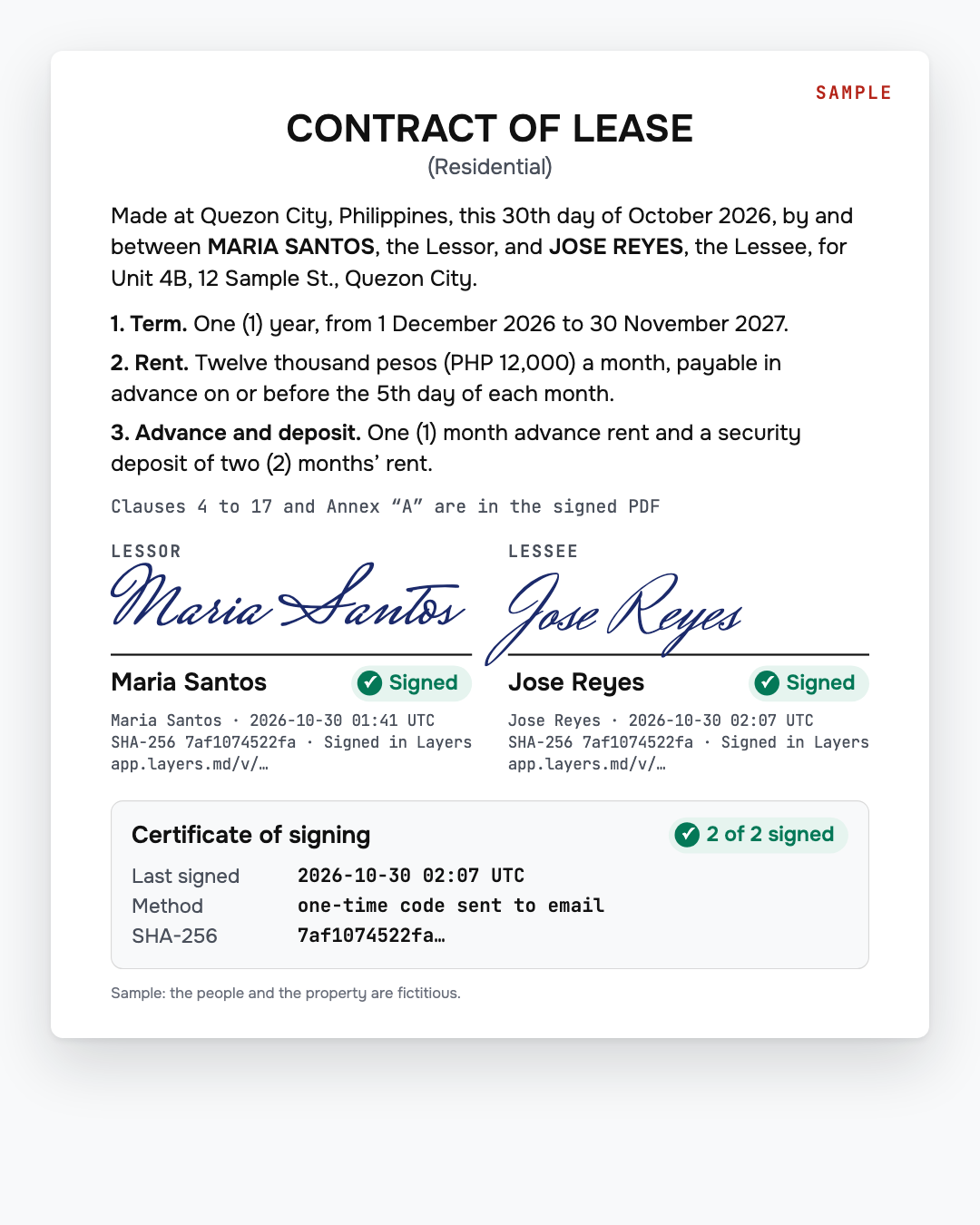
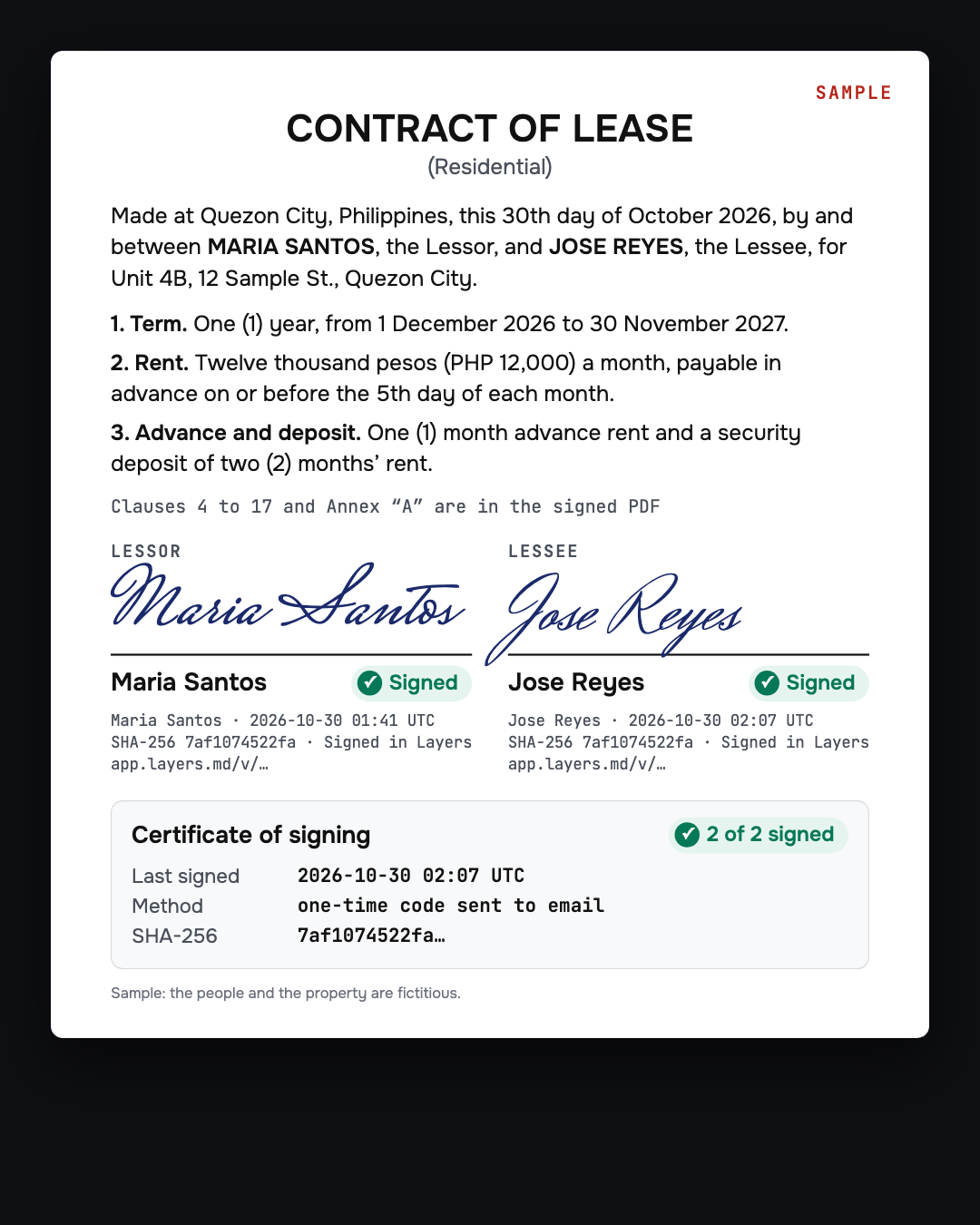
Signed on the phone. No printing.
Fill in and send for signature
Fill it in and send it for signature from your phone.
Sign a contract online — on your phone, no printing
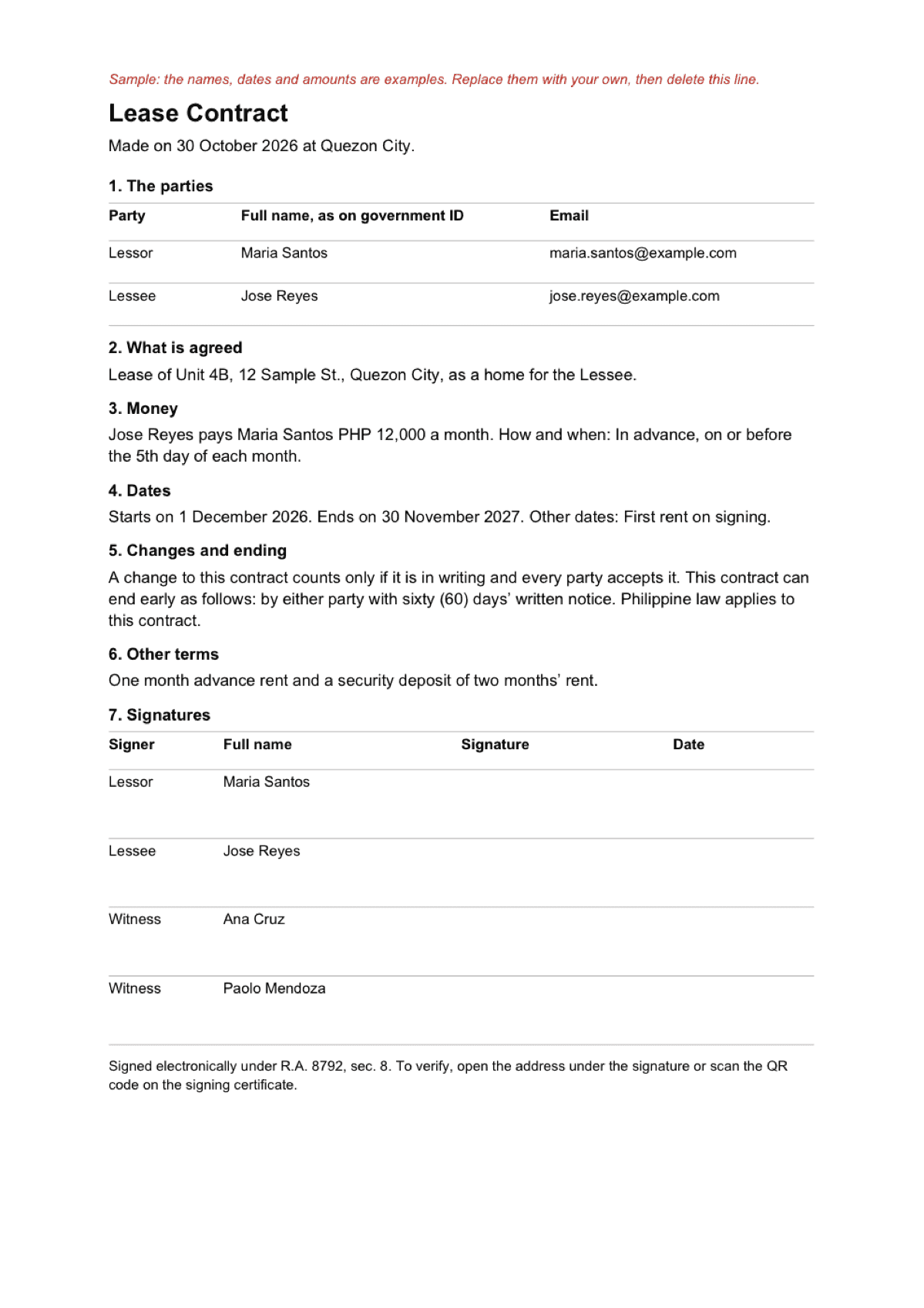
The contract is open below. An e-signature counts: an electronic signature is equivalent to a handwritten one if it is proved that a prescribed procedure identified the signer and showed their consent (R.A. No. 8792, sec. 8).
Updated:
We will ask you to confirm this address, then email you the recipient’s reply.
Start typing right in the document — no sign-up. It stays in this browser; save it to your free Layers account to keep it, open it on your phone and share it.
Enter a date — we’ll count the deadlines
- All parties signtype the date
Layers never asks for a code or payment in a message.
Check your own case.
Pick a date when every party can sign. If the contract must also be notarized, plan the notary visit after the e-signatures.
Send it for signature: open the signing page →

Liza, Layers template assistant
Use each signer’s own email where you can: the signing code goes there.
Read the whole document before you send it, and ask each signer to read it before they sign.
Deadlines
The rules, with the source
| What | Deadline | Source |
|---|---|---|
| An e-signature counts | An electronic signature is equivalent to a handwritten one if it is proved that a prescribed procedure identified the signer and showed their consent | R.A. No. 8792, sec. 8 |
| How the signer is identified | A signer added by email gets a one-time code by email. A signer added by WhatsApp number signs from the link without a code, and the certificate shows them as unverified | Layers signing, checked 01.11.2026 |
| What the certificate records | For each signer: name, email, time, IP address, browser details and the fingerprint (SHA-256) of the document | Signing certificate attached to the signed PDF |
| Checking it later | Under each signature is a verification address. Open it, no account needed, to see the signers and fingerprints. Upload your file to check it matches | app.layers.md/v/ |
| Notary is separate | Signing online does not replace a notary. If the law or the other party requires notarization, sort that out before you rely on the contract | Layers contract template |
| Price | 5 sends for signature a month are free; one document to all its signers is one send. For more: $6 a month or $60 a year in the Philippines (about ₱350 / ₱3,500) | Layers prices, checked 01.11.2026 |
The template below works for services, a job, a lease or a loan between people. You can also upload your own contract, Word or PDF up to 10 MB, or paste the text.
Step by step
What to do, in order
1
Fill in the contract
Write the names exactly as on the IDs, then the work, job, property or loan, the money and the dates.
2
Press “Send for signature”
The contract goes for signature from the same page, nothing to download or upload. Your own Word or PDF works too: upload it on the signing page.
3
Add who signs
Up to five people, each by email or WhatsApp number. Confirm your own email with a code.
4
Each person signs on the phone
They open the link and sign. With email, they first enter the code from their email. They can draw, type or photograph a signature.
5
Keep the signed PDF
When all have signed, you and everyone added by email get the same PDF by email. People added by WhatsApp open their link again to get it.
Questions
Is an online signature legal in the Philippines?
Under the Electronic Commerce Act (R.A. 8792, sec. 8) an electronic signature is equivalent to a handwritten one if it is proved that a prescribed procedure identified the signer and showed their consent. Some documents still need a notary or a specific form, so check for your document.
Do I need DocuSign?
No. Fill in the contract and send it for signature from the same Layers page, or upload your own contract on the signing page.
Can I send it in WhatsApp?
Yes. Add the signer by WhatsApp number and send them the link. That signer gets no email code, so anyone holding the link can sign, and the certificate marks them as unverified. For a stronger record, add the signer by email.
Does the other person need an account?
No. Signers open the link and sign. You confirm your email with a code, and your free Layers account is created from it.
Does this replace a notary?
No. If the law or the other party requires notarization, sort that out before you rely on the contract.
Official sources
Other documents
Keep the papers in one place
Letters, receipts and notices in one folder you can share with family or a lawyer. The templates and the editor are free; Layers is free for up to 20 people.
A general guide and template, not legal advice. Check whether your document needs a notary or a specific form before relying on an electronic signature.