

Layers
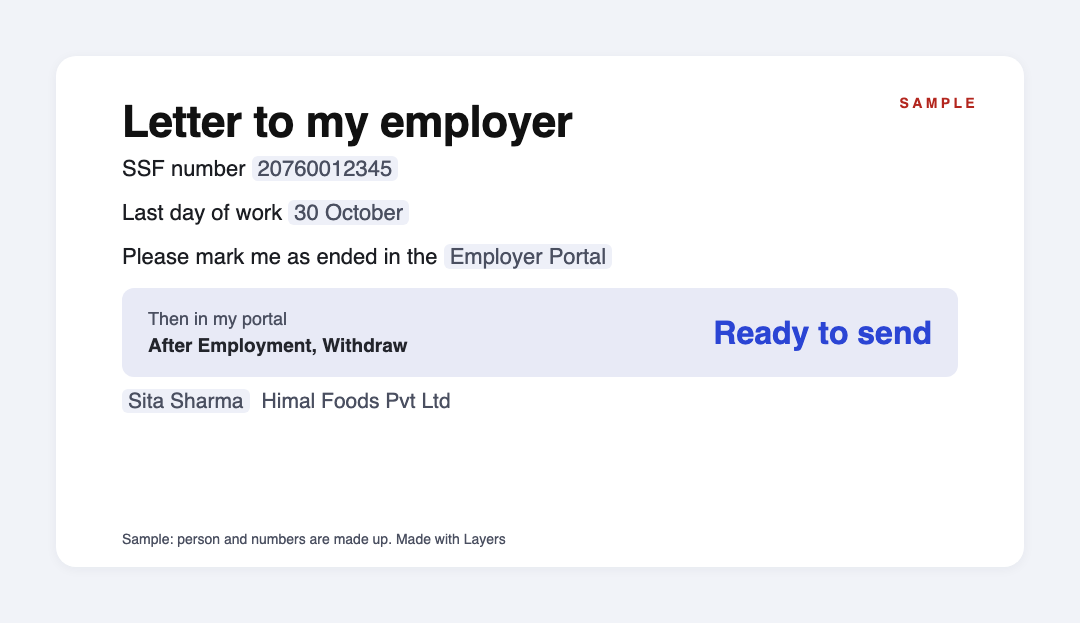
Sample letter: Sita Sharma asks her employer to mark her employment as ended in the SSF Employer Portal. Sample letter: Sita Sharma asks her employer to mark her employment as ended in the SSF Employer Portal.

Marked as terminated, then withdraw.

Download the letter (.docx)

The letter is written. Add your SSF number, your last day and your employer.

Then. Send it to your employer. When After Employment appears, apply in the Contributor Portal.

Left your job, and SSF will not let you withdraw? — your letter to the employer is ready

You claim your retirement amount in the SSF Contributor Portal, under After Employment, then Withdraw. If you do not see that menu, SSF's guide says you have not been marked as terminated, and your employer must do that in the Employer Portal. Terminated here only means your job ended, for any reason. The law gives the employer one month to tell the Fund you left. Your bank details also need to be in your KYC and verified. The letter is below.

Updated: · Next check: 2027-02-06

Left your job, and SSF will not let you withdraw? Opening…
Left your job, and SSF will not let you withdraw?: first page

We use your email only to send the file and the reminders you ask for. Unsubscribe in one click.

Send:

We will ask you to confirm this address, then email you the recipient’s reply.

Start typing right in the document — no sign-up. It stays in this browser; save it to your free Layers account to keep it, open it on your phone and share it.

Embed on your site

Paste this code on your site (law office, school, blog) — readers fill in the template right on your page, free.

Lida, Layers template assistant

Lida, Layers template assistant

Write your SSF number exactly: 11 digits.

Check your KYC while you wait for your employer, so both are ready at the same time.

Full text of the letter

Replace what is in square brackets. It is the same text as the file you download.

Download (.docx) Free, no sign-up · CC BY 4.0 license

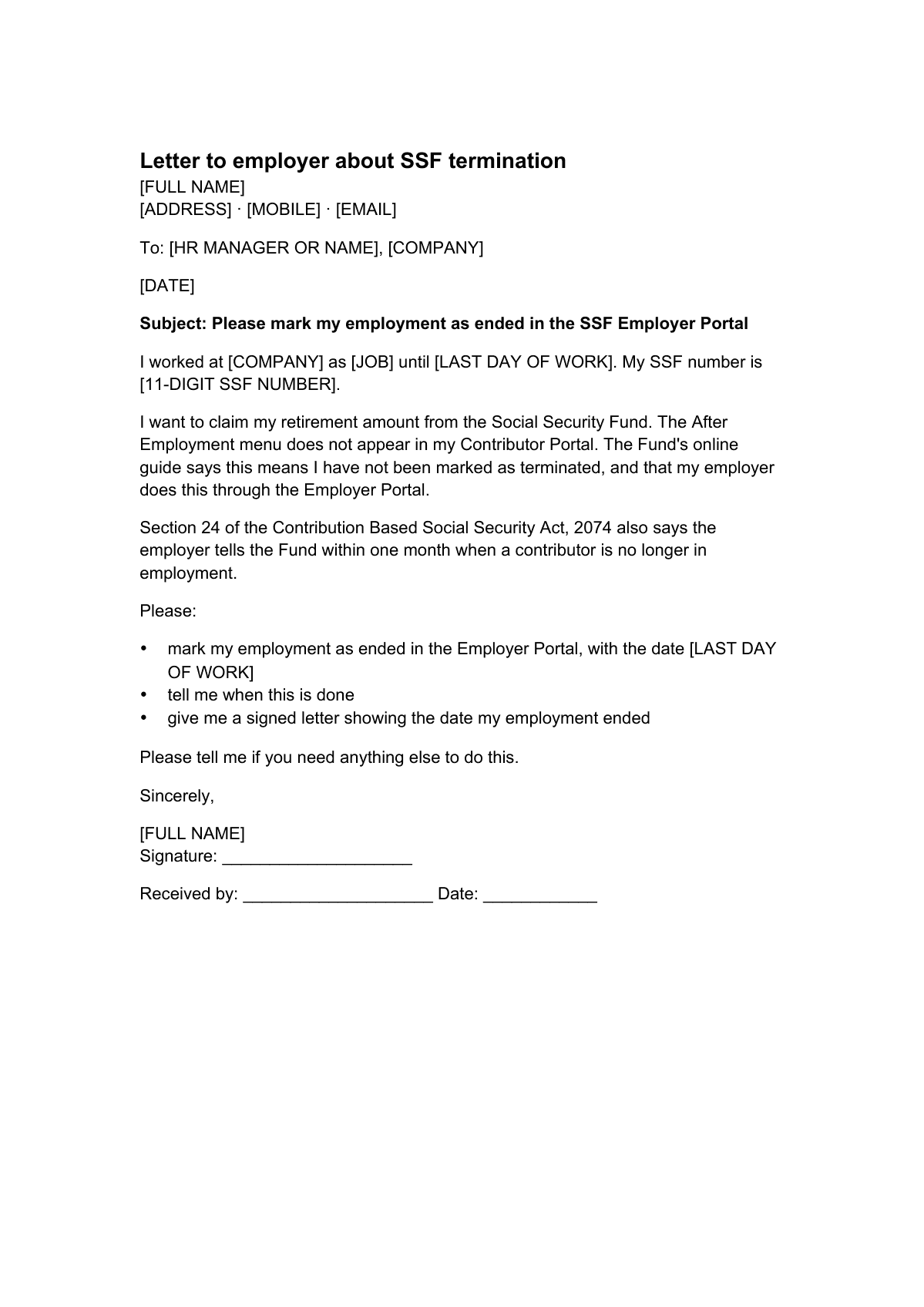
Letter to employer about SSF termination

[FULL NAME]
[ADDRESS] · [MOBILE] · [EMAIL]

To: [HR MANAGER OR NAME], [COMPANY]

[DATE]

Subject: Please mark my employment as ended in the SSF Employer Portal

I worked at [COMPANY] as [JOB] until [LAST DAY OF WORK]. My SSF number is [11-DIGIT SSF NUMBER].

I want to claim my retirement amount from the Social Security Fund. The After Employment menu does not appear in my Contributor Portal. The Fund's online guide says this means I have not been marked as terminated, and that my employer does this through the Employer Portal.

Section 24 of the Contribution Based Social Security Act, 2074 also says the employer tells the Fund within one month when a contributor is no longer in employment.

Please:

  • mark my employment as ended in the Employer Portal, with the date [LAST DAY OF WORK]
  • tell me when this is done
  • give me a signed letter showing the date my employment ended

Please tell me if you need anything else to do this.

Sincerely,

[FULL NAME]
Signature: ____________________

Received by: ____________________ Date: ____________


My checklist for the claim

What I prepareMine
SSF number, 11 digits[SSF NUMBER]
Date I sent this letter[DATE]
Date my job ended[DATE]
Bank details in my KYC, verified by SSF?[YES / NO]
Did I start contributing before the end of Asar 2078?[YES / NO]
If yes: move pension money across?[YES / NO]
If yes: All, Percentage Based or Amount[CHOICE]
Papers to upload[LIST]
  • ☐ After Employment menu appears in my Contributor Portal
  • ☐ Application submitted on [DATE]

Deadlines

The rules, with the source

WhatDeadlineSource
What the rule gives youThe amount in the Retirement Benefit Scheme, with returns, is paid as a lump sum at retirement or when your employment endsSocial Security Scheme Operation Procedure 2075, section 23(2)
Employer's dutyWhen a contributor is no longer in employment for any reason, the employer tells the Fund within one monthContribution Based Social Security Act 2074, section 24
Where you applysosys.ssf.gov.np, Contributor Portal, After Employment, then WithdrawSSF online withdrawal guide
Signing inUsername, password and SSID. Your 11-digit SSF number goes in both Username and SSIDSSF online withdrawal guide
If the menu is missingYou have not been terminated in the system. Ask your employer to do it through the Employer PortalSSF online withdrawal guide
Bank detailsThey must be in your KYC. Apply only after SSF has verified them, which takes some timeSSF online withdrawal guide
Moving pension money acrossOffered if you started before the end of Asar 2078. If you started later, you can withdraw only the Gratuity AmountSSF online withdrawal guide
If you can move itChoose All, Percentage Based or Amount. Choosing All closes your SSF accountSSF online withdrawal guide
In the applicationThe date your job ended and the papers SSF asks for. After SSF verifies the claim, money goes to your KYC bank accountSSF online withdrawal guide

SSF's guide dates from about 2022, so the screens may have changed. The withdrawal screen also shows a Tax Amount and a Withdrawal After Tax. We found no date by which you must apply, so none is given here.

Step by step

What to do, in order

  1. 1

    Sign in

    Check for After Employment.

  2. 2

    Send the letter

    Ask to be marked as terminated.

  3. 3

    Finish your KYC

    Bank details, verified.

  4. 4

    Check your start date

    Before or after Asar 2078.

  5. 5

    Apply

    Date, papers, Submit.

  6. 6

    Wait for verification

    Then the bank account.

Questions

How do I claim my SSF amount after leaving a job?

Sign in to the Contributor Portal at sosys.ssf.gov.np, open After Employment, choose Withdraw, enter the date your job ended, upload the papers and click Submit. SSF verifies the claim and pays your KYC bank account.

Why is there no After Employment menu?

SSF's guide says it means you have not been terminated in the system. Your employer does this in the Employer Portal. The letter below asks for it.

I resigned. Does terminated mean I was dismissed?

No. In SSF's guide it is the system step that ends your employment there. The Act speaks of a contributor who is no longer in employment for any reason.

My employer does not answer. What can I do?

Keep a copy of your letter and the date you sent it, and contact SSF: toll-free 1116, or retirement@ssf.gov.np for retirement claims. We have not checked what SSF does in such a case.

Can I take out all the money?

That depends on your plan. The procedure pays the Retirement Benefit Scheme amount. If you started before the end of Asar 2078, the guide lets you move pension money across and choose All, Percentage Based or Amount. If you started later, you withdraw only the Gratuity Amount.

What happens if I choose All?

SSF's guide says your SSF account is closed.

Official sources

Other documents

All templates: Nepal →

Keep the papers in one place

Letters, receipts and notices in one folder you can share with family or a lawyer. The templates and the editor are free; Layers is free for up to 20 people.

This is a ready letter with general information, not legal or tax advice. SSF decides each claim.