 Jira & Confluence



 Bitrix24
Mood board · PowerPoint
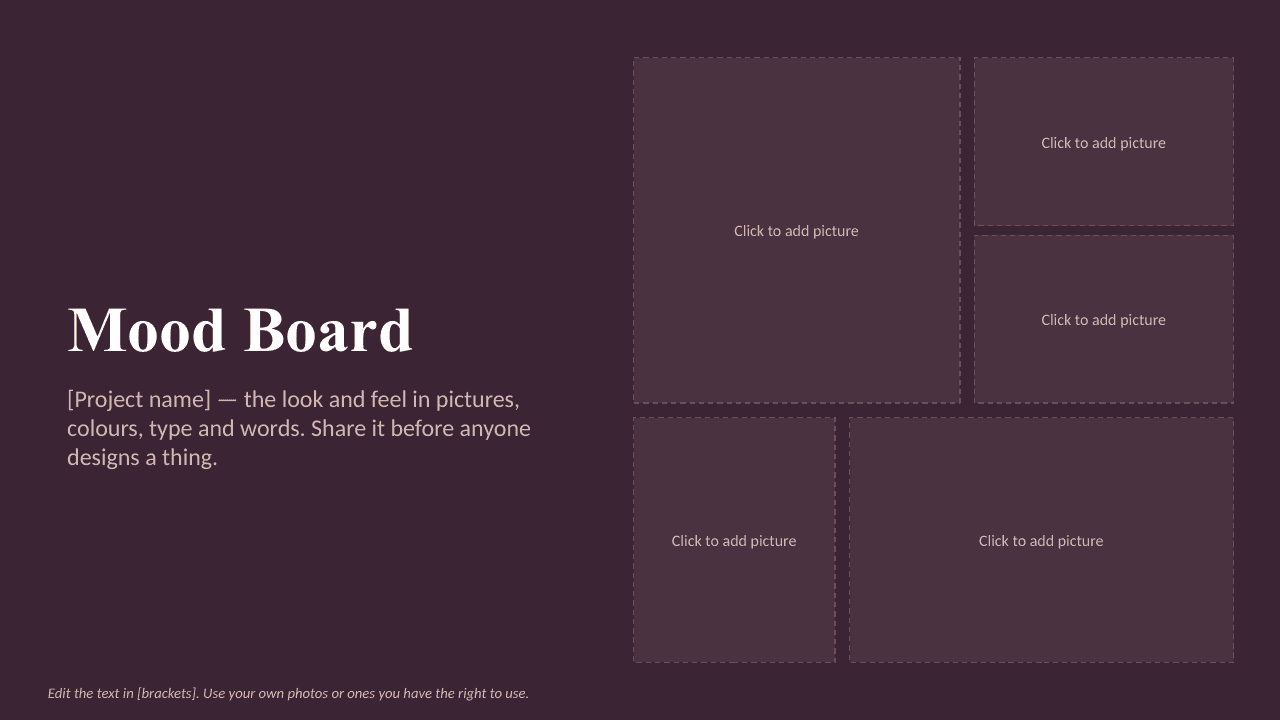
Mood board template — picture grids, colors and fonts
Ready, not blank.
Fill it in and download it in Word for free.
Short answer. Collect the look of a brand, room, wedding or project on slides: picture grids you fill with your own photos, a color palette, fonts and keywords. Pictures: your own photos or images you may use (your files).
We will ask you to confirm this address, then email you the recipient’s reply.
Start typing right in the document — no sign-up. It stays in this browser; save it to your free Layers account to keep it, open it on your phone and share it.
Enter a date — we’ll count the deadlines
- Review the deck before you present or send ittype the date
Layers never asks for a code or payment in a message.
Check your own case.
Check names, dates and numbers again after every change.

Lida, Layers template assistant
A mood board decides the direction before anyone spends money.
Open the mood board below and add your first pictures.
Deadlines
The rules, with the source
| What | Deadline | Source |
|---|---|---|
| Pictures | your own photos or images you may use | your files |
| Colors | five to six colors with their codes | your palette |
| Words | three to five words that describe the mood | your brief |
A template gives structure; the facts, numbers and pictures are yours to check.
Step by step
What to do, in order
1
Choose the grid
Large or small pictures.
2
Add your pictures
Click a frame and insert a picture.
3
Name the mood
Colors, fonts and keywords next to the pictures.
Questions
Is it free?
Yes. Edit and download without an account.
Where do I get pictures?
Use your own photos or images you have the right to use.
Can I use it for interior design or a wedding?
Yes — change the keywords and the grid to suit.
Other documents
Keep the papers in one place
Letters, receipts and notices in one folder you can share with family or a lawyer. The templates and the editor are free; Layers is free for up to 20 people.
Creative planning aid only. Use only images you own or have the right to use.