 Jira & Confluence




 Bitrix24
Editing the template instead of a copy
Create a new document from the template and fill that. The template stays clean for the next person.
Work
ProjectsTasks, sprints and milestones PagesDocs and knowledge base FormsSurveys, quizzes, booking FlowProcesses and mockupsCompany templates · Disk
Open any document in Layers, choose “Save as template” and pick who sees it: only you or the whole workspace. Teammates then create new documents from it in the Templates gallery.
No sign-up to start. The document stays editable in this browser; sign-in appears only when you save it to a workspace or invite a team.
We will ask you to confirm this address, then email you the recipient’s reply.
Start editing here — no sign-up. Send the result first; sign in only if you want to keep it in a workspace or invite your team.
The situation
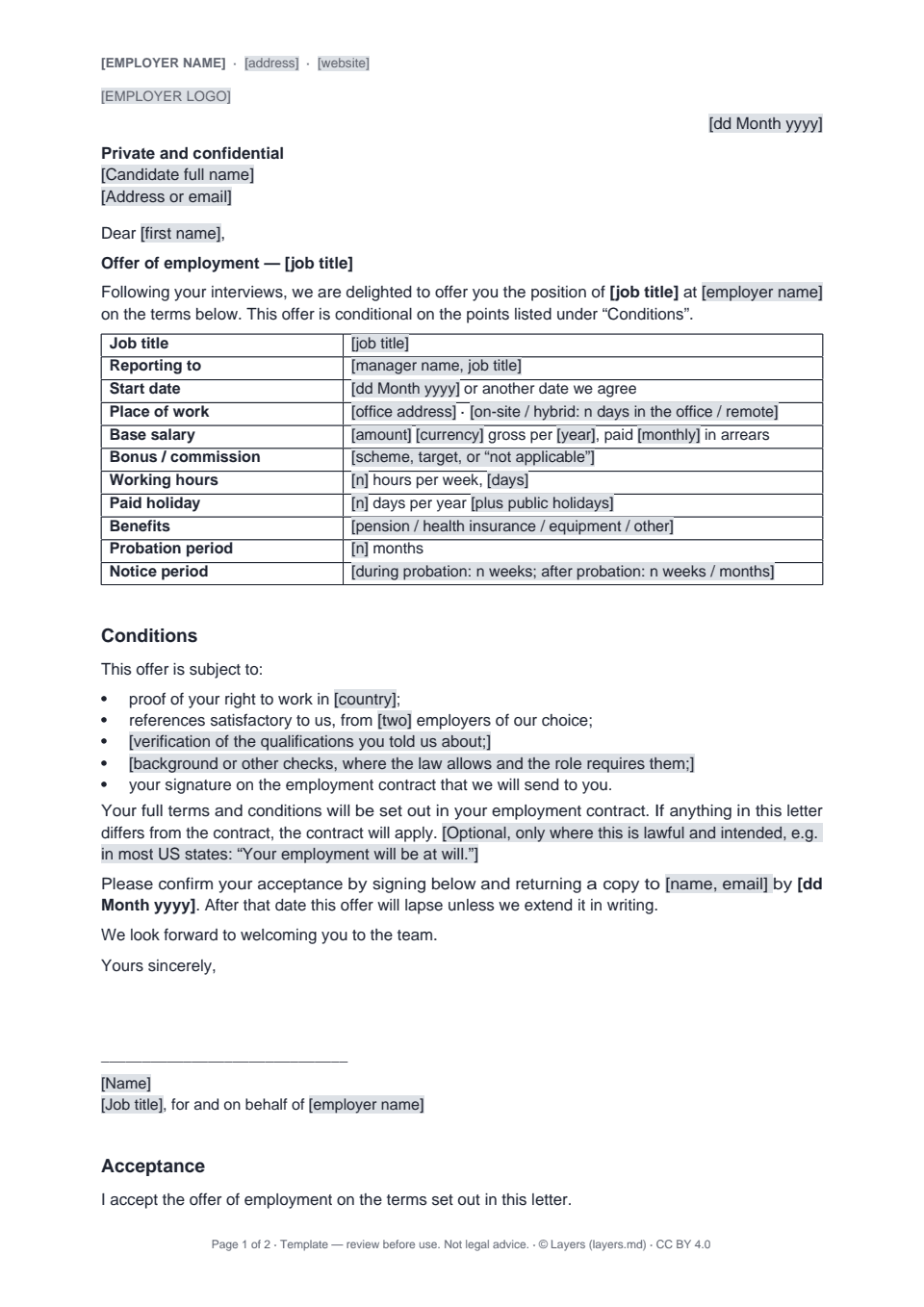
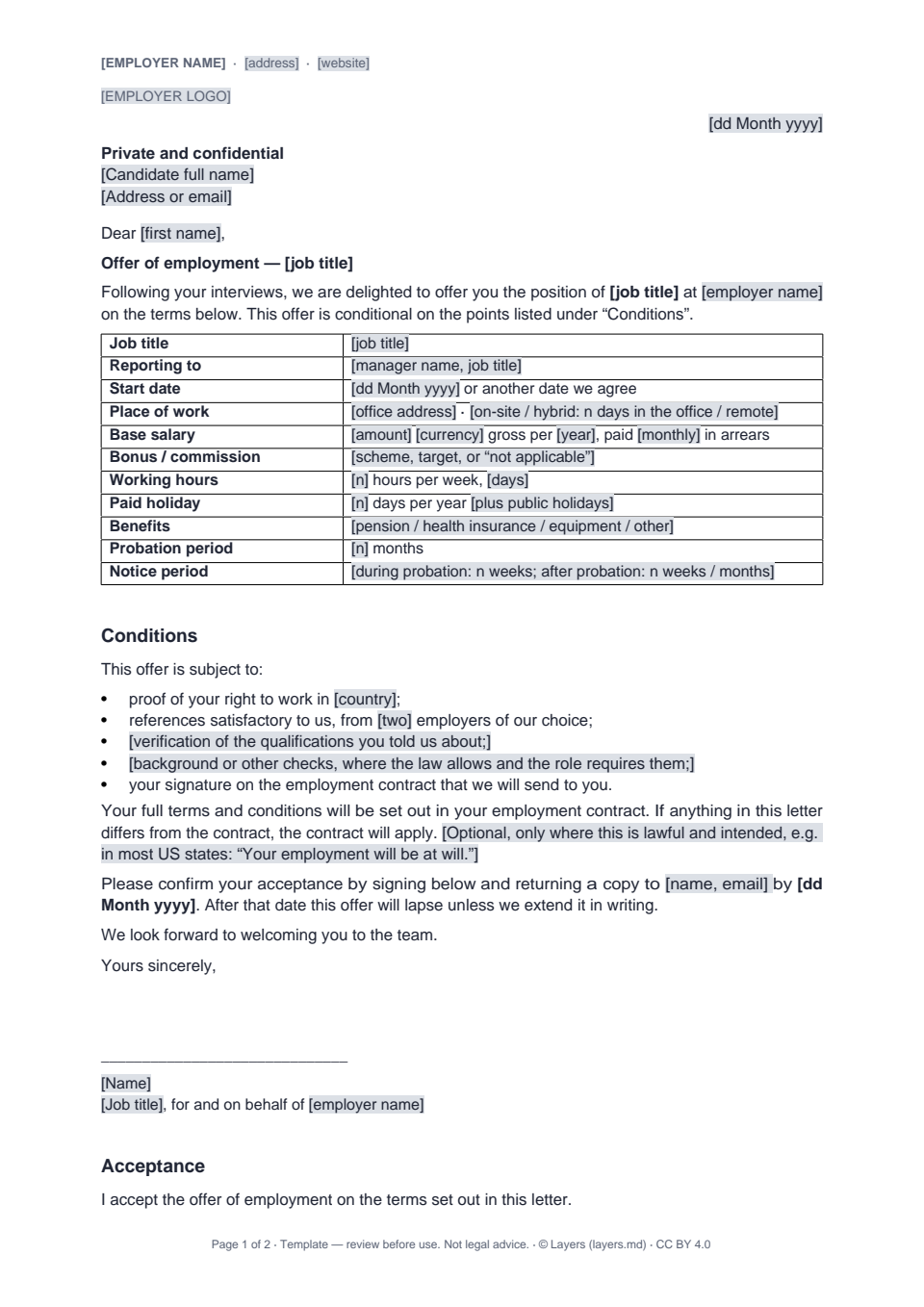
Every team has a few documents it writes again and again: an offer letter, a client contract, a proposal. Usually the “right” version lives in someone’s inbox, and each copy drifts a little further from it. In Layers the agreed version becomes a workspace template. A teammate creates a new document from it in one click, and editing the copy never changes the template. Admins decide who can publish templates for everyone; a template from anyone else waits for an admin’s approval before the team sees it. Below is a live offer letter you can fill without an account — the kind of document teams usually turn into a template first.
How to use it
1
Fill the offer letter on this page, or open your own document, spreadsheet or presentation in Layers.
2
File menu → “Save as template”. The template is a copy of the file as it is today.
3
Only you, or the whole workspace. If only admins may publish, your template goes to an admin for approval.
4
Disk → Templates: teammates pick the template and get a new document to fill in.
Filled example
The example is an offer letter with a table of terms — job title, start date, place of work, base salary, working hours, paid holiday, benefits, probation and notice — then the conditions of the offer and an acceptance block. Put in your company’s wording, save it to a workspace and make it the template your recruiters start from.
Common mistakes
Create a new document from the template and fill that. The template stays clean for the next person.
Delete a template that is out of date. Documents already created from it stay where they are.
Let admins publish workspace templates, so the team sees only approved versions.
FAQ
Documents, spreadsheets and presentations, up to 25 MB each.
No. The template is a copy of the file on the day you saved it. To update it, save the new version as a template again.
Admins choose this in the workspace settings. When only admins may publish, other people’s templates wait for an admin’s approval.
No. Fill it on this page without an account; you only sign in to save it to a workspace or make it a template.