 Jira & Confluence




 Bitrix24
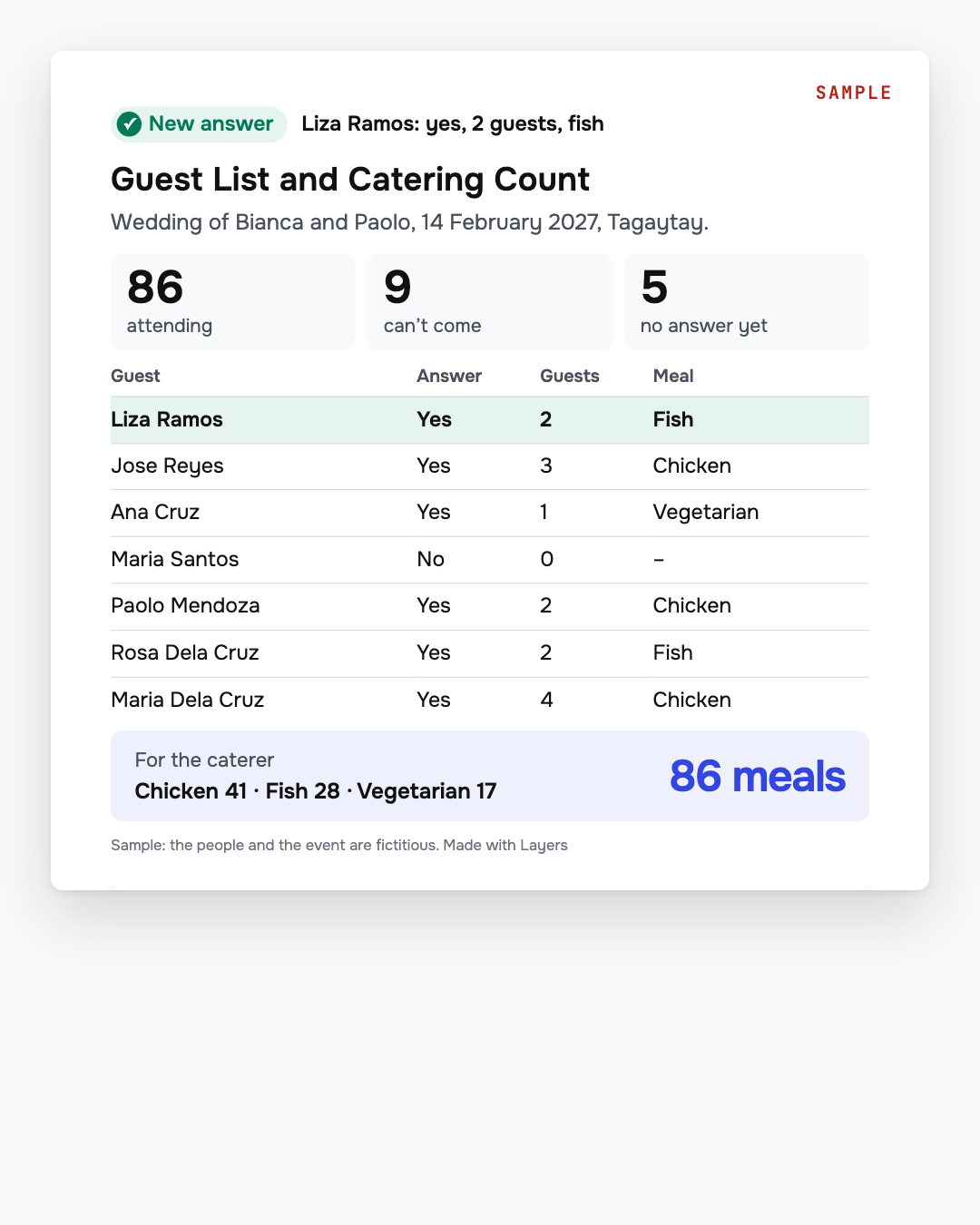
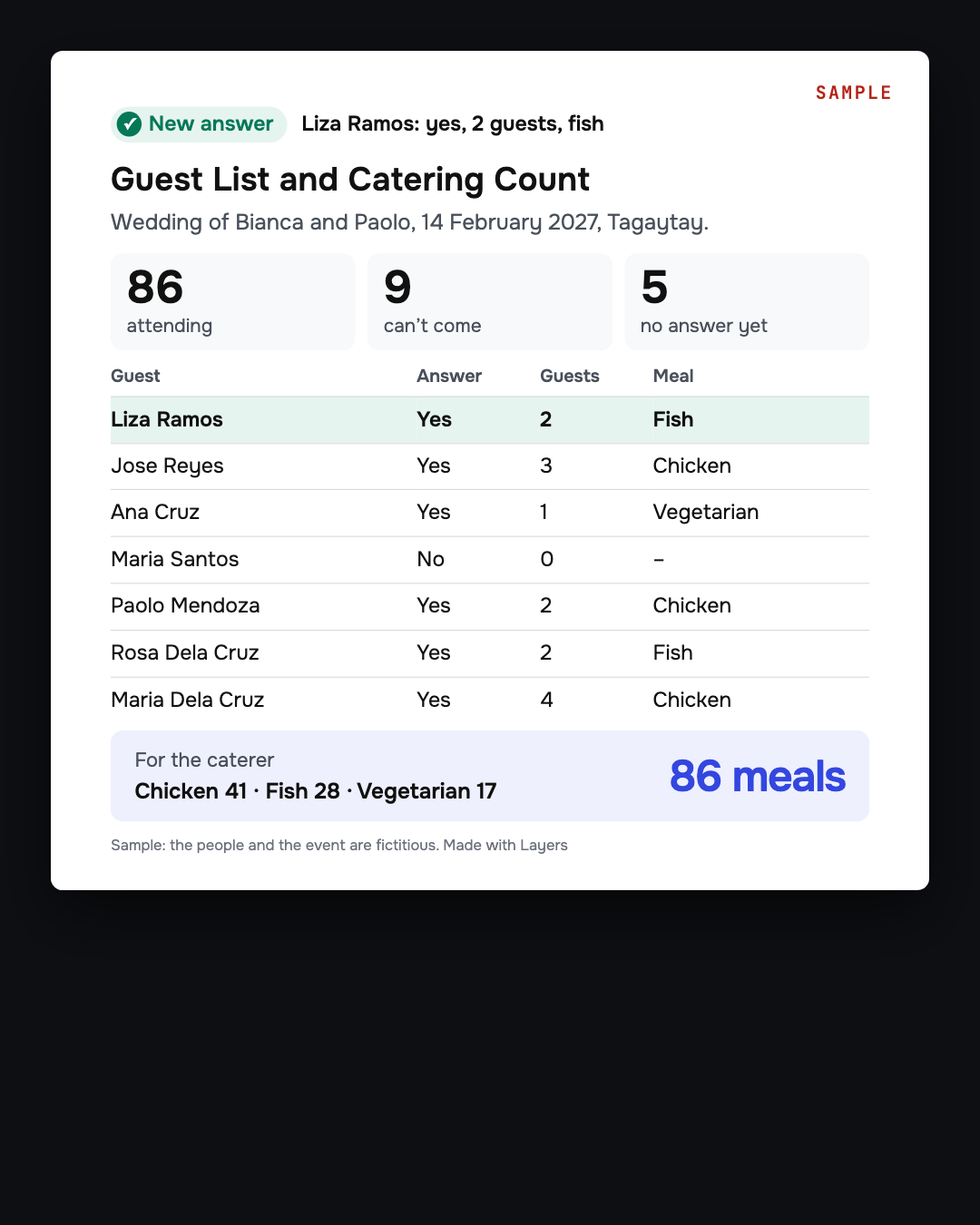
All your answers in one table.
Guests reply from their phone, no app needed.
Debut or wedding RSVP form — guests reply from their phone
Get your own copy of the RSVP form, change the questions as you like, publish it and send the link. Guests reply from their phone with no app, and all answers land in one table.
Updated: · Next check 2027-02-02
We will ask you to confirm this address, then email you the recipient’s reply.
Start typing right in the document — no sign-up. It stays in this browser; save it to your free Layers account to keep it, open it on your phone and share it.
Enter a date — we’ll count the deadlines
- Ask for replies bytype the date
Layers never asks for a code or payment in a message.
Check your own case.
A suggestion, not a rule. Choose what suits your event.

Liza, Layers template assistant
Set your RSVP date a little early, so there is time to follow up.
Keep the first question simple: your name.
Deadlines
The rules, with the source
| What | Deadline | Source |
|---|---|---|
| Who needs an account | Only you. Guests reply from their phone, no app needed | Layers form |
| What guests answer | Their name, whether they will attend, how many are coming with them | Layers form |
| Your own questions | Change the questions as you like, then publish and send the link | Layers form |
| Where answers go | All answers land in one table. See who answered and what they said | Layers form |
| Price | Free to start. Sign in with Google in one tap | Layers form, 2 November 2026 |
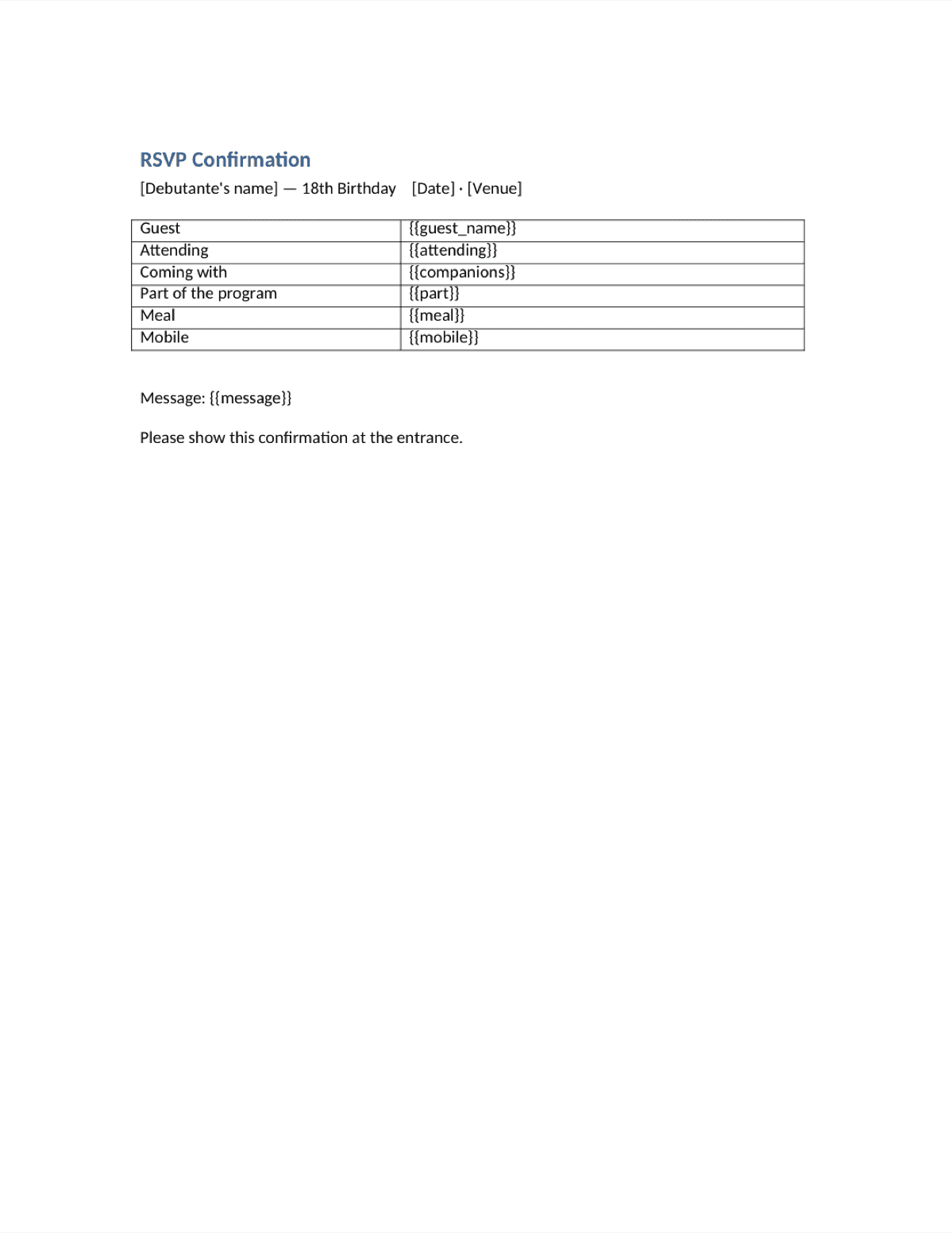
The sample form is for an 18th birthday. For a wedding, change the title and the questions. The confirmation document has the name, date and venue to fill in yourself.
What the form does not do
So you can plan the rest.
- It does not send invitations by itself: You send the link yourself, by chat or email.
Step by step
What to do, in order
1
Open the form
Get your own copy. It is free to start.
2
Change the questions
Add your date, venue and the RSVP deadline.
3
Publish and send the link
In your chat, by email, or on the invitation.
4
Watch the answers
All of them land in one table.
5
Tell your caterer
Use the table for the final count.
Questions
Do my guests need an app?
No. People reply from their phone, no app needed.
Can I change the questions?
Yes. Change the questions as you like, then publish it.
Does it work for a wedding?
Yes. The sample is for an 18th birthday. Change the title and the questions.
Where do I see the answers?
All answers land in one table. You see who answered and what they said.
Is it free?
Free to start. Sign in with Google in one tap.
Official sources
Other documents
Keep the papers in one place
Letters, receipts and notices in one folder you can share with family or a lawyer. The templates and the editor are free; Layers is free for up to 20 people.
This page helps you prepare your event.