 Jira & Confluence



 Bitrix24
 Year in review · PowerPoint · 10 slides
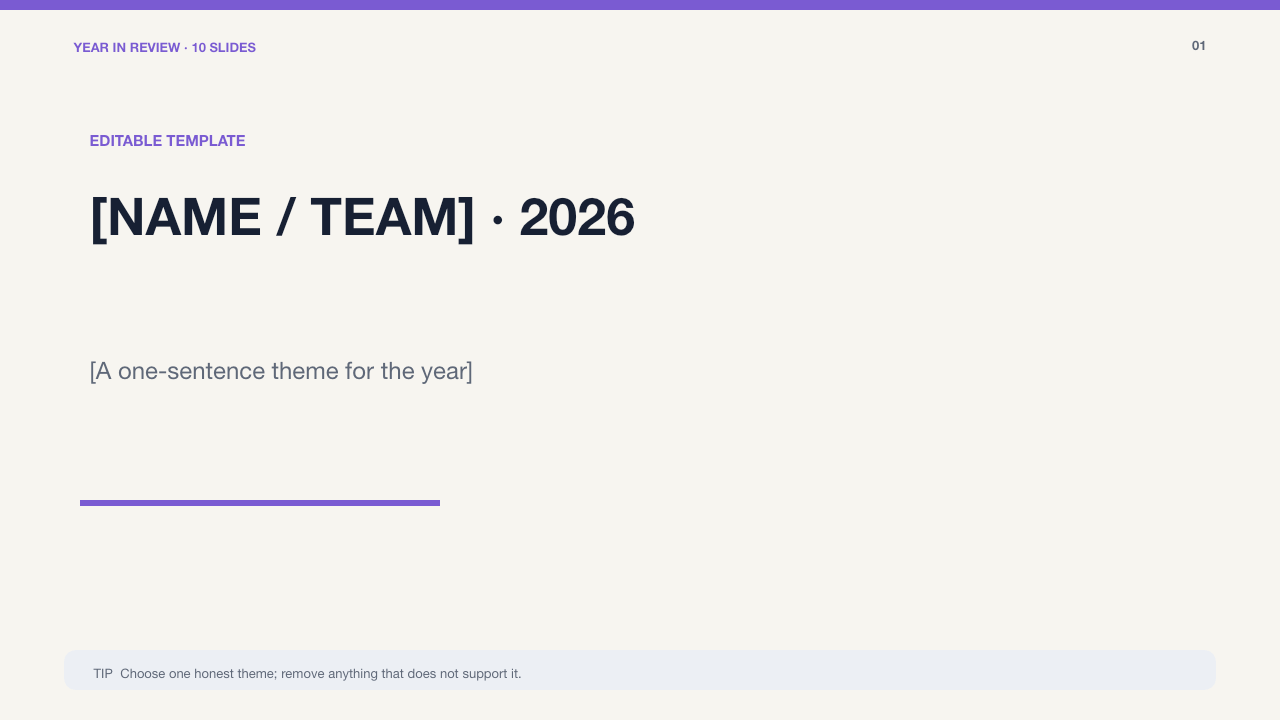
Year in review presentation — your 2026 in 10 slides
Short answer. Turn 2026 into a clear 10-slide story: cover, headline numbers, timeline, wins, learning, people, change, lessons, gratitude and measurable 2027 goals. Numbers: define the period and what each metric counts (your records).
- Verify dates, numbers, names and photo permissionstype the date
Check your own case.
Review once more before presenting or sharing.
Start typing right in the document — no sign-up. It stays in this browser; save it to your free Layers account to keep it, open it on your phone and share it.

Lida, Layers template assistant
Choose fewer moments and explain why they mattered.
Open the 10-slide PowerPoint below and replace the fictional examples with your own 2026.
Deadlines
The rules, with the source
| What | Deadline | Source |
|---|---|---|
| Numbers | define the period and what each metric counts | your records |
| Timeline | select four turning points, not every event | editorial choice |
| People and photos | use names and images you may share | permission |
| 2027 goals | add a measure, owner and first step | your plan |
The three prepared examples are fictional. Protect private information and replace every placeholder.
Step by step
What to do, in order
1
Choose one theme
Write the sentence that connects the year’s most important change.
2
Select evidence
Use a small set of dated events, defined numbers and permitted photos.
3
End with commitments
Turn lessons into three measurable goals with owners and first steps.
Questions
How many slides are included?
Exactly 10 total, including the cover and 2027 goals.
What is on the timeline?
Four editable quarterly turning points so the slide stays readable.
Can I use it for a team, student or family?
Yes. Three fictional examples demonstrate those three contexts.
Are photo areas editable?
Yes. Replace the labeled photo placeholders with images you own or may share.
Does every slide include guidance?
Yes. A visible TIP strip names the decision or check for that slide.
Other documents
Keep the papers in one place
Letters, receipts and notices in one folder you can share with family or a lawyer. The templates and the editor are free; Layers is free for up to 20 people.
Use only information and images you may share. Define metrics, verify dates and remove private details before distributing the deck.