 Jira & Confluence




 Bitrix24
Potluck · volunteers · shifts
Sign up sheet template — one link, a schedule that fills itself, and a reminder only for those who have not answered
Every answer leaves as a finished document.
Short answer. Send one link, people pick what they will bring or when they can help, and each answer lands in a schedule table. Paste your list and one reminder goes only to those who have not answered. There is a printable sheet too.
What you get
Schedule
| Name | Signed up for | People |
|---|---|---|
| Maria Lopez | Bring a main dish | 4 or more |
| Tom Becker | Set up, 10 AM | Just me |
| Priya Shah | Bring dessert | 2 |
Who has not answered
Dana Cole, Luis Ortega
Paste your list once. Each person gets a personal link, and one reminder goes only to those who have not answered.
Example with 3 test answers. Nothing leaves this page.
Your own copy opens ready to edit. People answer from a link, no account needed.
We will ask you to confirm this address, then email you the recipient’s reply.
Start typing right in the document — no sign-up. It stays in this browser; save it to your free Layers account to keep it, open it on your phone and share it.
Enter a date — we’ll count the deadlines
- Share the sign-up linktype the date
- Send the reminder to those who have not answeredtype the date
- Close the list and check the gapstype the date
Layers never asks for a code or payment in a message.
Check your own case.
These are good habits, not rules. Change them to fit your event.

Lida, Layers template assistant
Name every slot. People pick faster when they see exactly what is needed.
Send the reminder only to those who have not answered: the others already did their part.
Deadlines
The rules, with the source
| What | Deadline | Source |
|---|---|---|
| Slots | Name each slot by what you need: main dish, dessert, setup at 10 AM. Vague slots get vague answers | Good practice |
| Reminder | One reminder a week before works better than a group message to everyone | Good practice |
| Paper | Print the sheet for people who sign up in person, then add them to the list | Good practice |
Nothing here is a legal requirement.
Step by step
What to do, in order
1
Try the form
Fill it in on this page and see your answer in the schedule.
2
Make your copy
Press Use this form. Your copy opens ready to edit.
3
Change the slots
Write your event, date and what you need.
4
Share the link
Publish and copy the link for the group chat or email.
5
Remind the rest
Paste your list on the Guests tab to see who has not answered and send one reminder.
Questions
Do people need an account to sign up?
No. They open the link and answer from a phone or computer.
Can I see who has not answered?
Yes, when you paste your list on the Guests tab. Each person gets a personal link, and the reminder goes only to those who have not answered.
Can I print a sign up sheet?
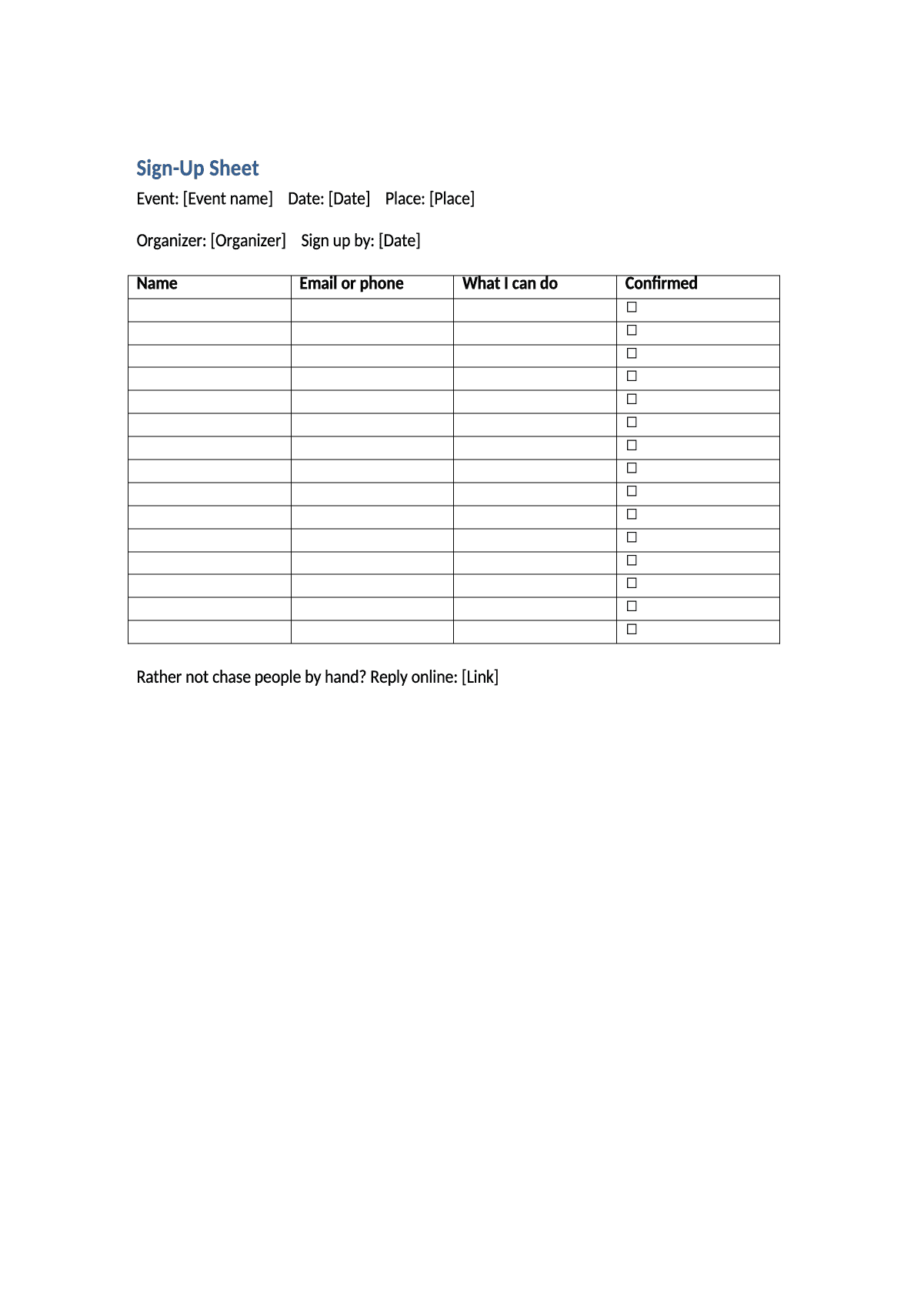
Yes. The Word sheet on this page has 15 rows for name, contact, what they can do and a confirmed box.
Can I use it for volunteers or shifts?
Yes. Change the choices to your shifts or roles in your copy of the form.
Other documents
Keep the papers in one place
Letters, receipts and notices in one folder you can share with family or a lawyer. The templates and the editor are free; Layers is free for up to 20 people.
This is a ready-to-use form and sheet. Change them to fit your event.