 Jira & Confluence



 Bitrix24
 Monthly budget · Excel · planned vs. actual
Monthly budget template — free Excel planner that does the math
Short answer. Enter what comes in and where it goes: see money left, the split by group, and a complete twelve-month Excel workbook. Money left: actual income minus spending, saving and debt payments (arithmetic).
- Review actual spending and set up next monthtype the date
Check your own case.
Pick the last day you will use for your monthly review; this is an organization suggestion.
Start typing right in the document — no sign-up. It stays in this browser; save it to your free Layers account to keep it, open it on your phone and share it.
Monthly budget · planned vs. actual
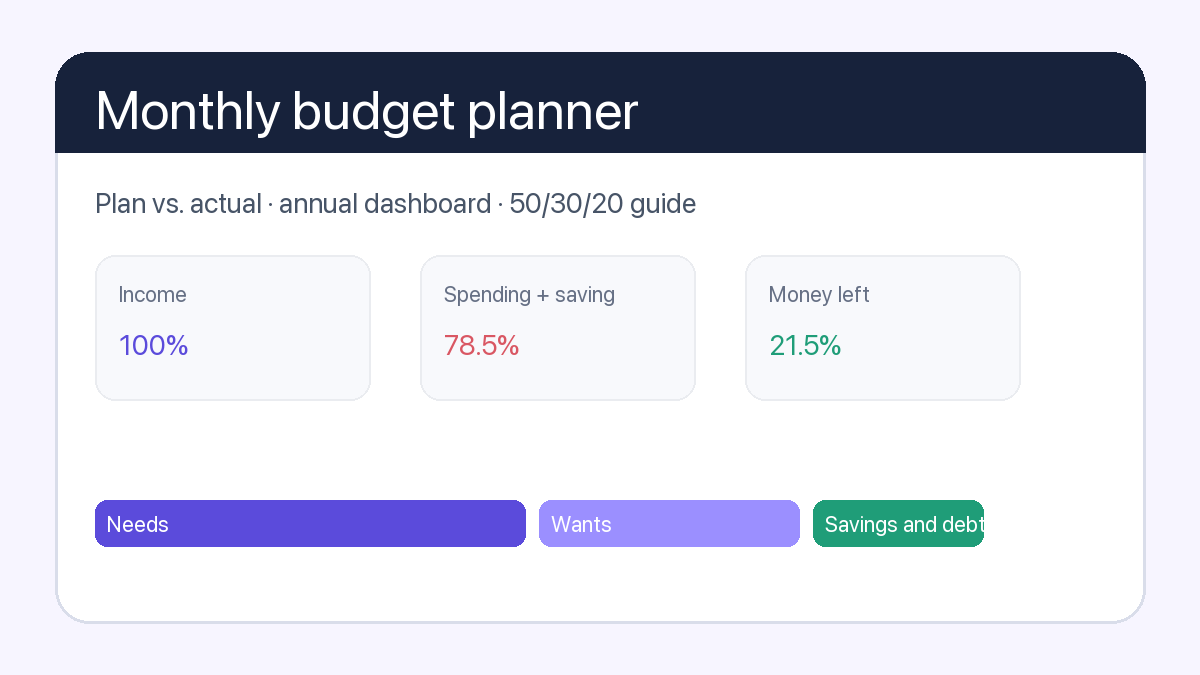
Your month in one view — income, spending, saving and money left
Enter take-home income and group your money into needs, wants, and savings or debt. See the balance, percentages, and a 50/30/20 guide; the spreadsheet has 25 categories and a twelve-month dashboard.
- Update actual spending once a week.
- Move savings first, before spending what is left.
- At month-end, change one category for next month.
Calculation: money left = income − needs − wants − savings/debt. The 50/30/20 comparison is an editable guide, not a requirement or financial advice. Consumer.gov recommends listing income and expenses, subtracting expenses from income, and reviewing the budget every month.

Lida, Layers template assistant
Tell me your take-home income and how you split it; I will show money left and the percentages.
Open or download the complete budget below.
Deadlines
The rules, with the source
| What | Deadline | Source |
|---|---|---|
| Money left | actual income minus spending, saving and debt payments | arithmetic |
| Percentage | each group's actual total divided by actual income | arithmetic |
| 50/30/20 | an editable guide: 50% needs, 30% wants, 20% savings and extra debt payments | Consumer.gov + CFPB |
The 50/30/20 split is not a requirement. Housing, family and goals vary; use your own numbers.
Step by step
What to do, in order
1
Enter take-home income
Add paychecks and other income for the month.
2
Compare plan and actual
Group needs, wants, savings and debt; money left updates automatically.
3
Close the month
Review the chart, choose one adjustment and download the annual Excel planner.
Questions
Is the budget template free?
Yes. You can fill it in and download the Excel workbook without paying.
Do I need to sign up?
No. Filling and downloading work without an account; a free account only saves a copy to Layers.
Does it compare planned and actual spending?
Yes. Each income and expense line has planned, actual and difference columns.
Is the 50/30/20 rule required?
No. It is a comparison guide; change the amounts and categories to fit your household.
Can I use it in Google Sheets?
The .xlsx file uses standard formulas, lists and tables that open in Excel, LibreOffice and Google Sheets.
Official sources
Other documents
Keep the papers in one place
Letters, receipts and notices in one folder you can share with family or a lawyer. The templates and the editor are free; Layers is free for up to 20 people.
A personal organization tool, not financial, tax or investment advice.